


Dominos for WoW Forever — Addons · WoW Forever
Replaces the main action bar with movable bars you can customize one by one.
CompatibleVerified Oct 29, 2026
Its current release ships a version for this client.
- Verified release
- 11.5.0
- Interface
- 16001
- Category
- Action bars
- Author
- Tuller (tullamods)
- License
- BSD-3-Clause
Download
These are the addon author's own pages on other sites. Download only from them, and never run an installer an addon page asks for.
Overview
Dominos breaks the main action bar into movable bars. You can change their spacing, scale and opacity, make them vertical, change what a bar shows while you're shapeshifted, and show a bar only in combat. Masque button skins can be set per bar, and a quick key-binding mode makes binding keys fast.
Who it's for
Players who want to rearrange or hide their action bars and decide when each one shows.
Main features
- Layout settings per bar: spacing, vertical bars, opacity and scale
- Bar paging, such as different buttons while shapeshifted
- Visibility rules, such as showing a bar only in combat
- Masque support, set per bar
- Quick key binding through LibKeyBound
Screenshots
The author's own setup, with the buttons skinned by ButtonFacade (today's Masque). Shows another game version's interface; it looks much the same in WoW Forever.
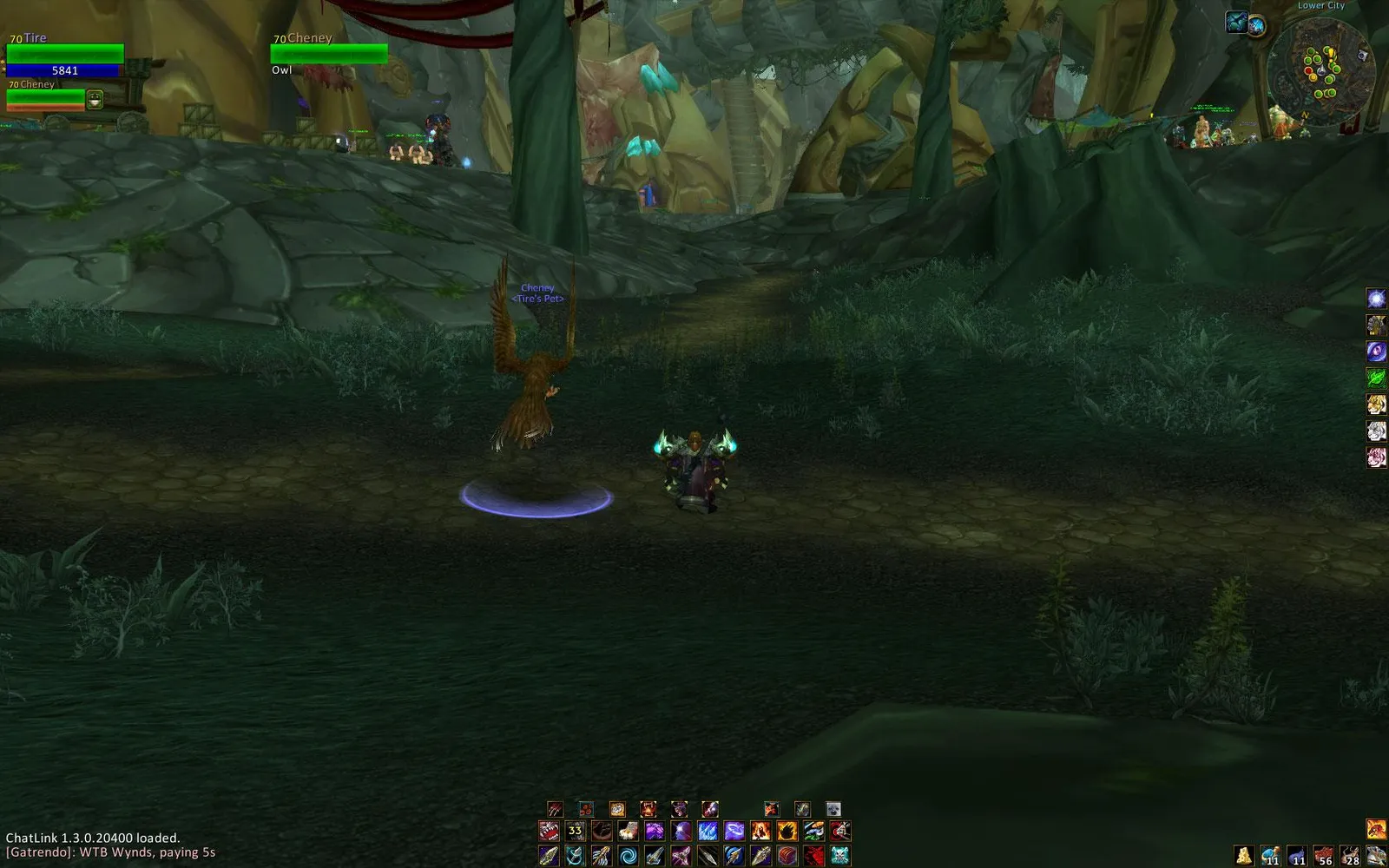
Pictures from the addon author's own project pages.
Installation
Download the WoW Forever file, extract it into _forever_/Interface/AddOns, then restart the game and enable it in the AddOns list.
_forever_/Interface/AddOnsWorks with
- Masque is optional, for button skins.
Configuration
Commands
/dominosOpens the main options menu./dominos configEnters configuration mode, where you can move and hide bars./kbStarts quick key-binding mode.
First setup
- Left-click the minimap button or type /dominos config to enter configuration mode, then drag the bars where you want them.
- In configuration mode, right-click a bar (or Alt-left-click it) to change that bar's settings.
- Type /kb to bind keys to the buttons.
Advanced settings
- Open /dominos (or right-click the minimap button) for settings shared by all bars and for profiles.
Common mistakes
- Running two action bar addons at once: both try to replace the same bars.
Compatibility by version
| Game version | Status | Verified release | Checked |
|---|---|---|---|
| WoW Classic | Compatible | 11.5.0Oct 25, 2026 | Oct 29, 2026 |
| WoW TBC | Compatible | 11.5.0Oct 25, 2026 | Oct 29, 2026 |
| WoW Forever | Compatible | 11.5.0Oct 25, 2026 | Oct 29, 2026 |
Alternatives
 Bartender4Compatible
Bartender4 does the same job with its own set of options; both support Masque skins and LibKeyBound key binding.