


Auctionator for WoW Forever — Addons · WoW Forever
Makes the auction house simpler: prices in tooltips, shopping lists and quick posting.
CompatibleVerified Oct 29, 2026
Its current release ships a version for this client.
- Verified release
- 341
- Category
- Auction House
- Author
- plusmouse
Download
These are the addon author's own pages on other sites. Download only from them, and never run an installer an addon page asks for.
Overview
Auctionator speeds up buying and selling at the auction house. After a full scan it shows auction prices in item tooltips, it protects you from posting too low, and it has shopping lists with filters and history. It can scan for undercuts and cancel auctions with one click, and crafting views show reagent costs and profit.
Who it's for
Anyone who buys or sells at the auction house and wants it to take less time.
Main features
- Auction prices in item tooltips, after a full scan
- Protection against posting too low
- Shopping lists with filters and history
- An undercut scan and one-click cancelling
- Reagent costs and profit in crafting views
Screenshots
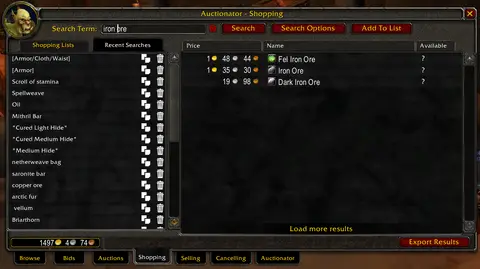
Shows another game version's interface; it looks much the same in WoW Forever.
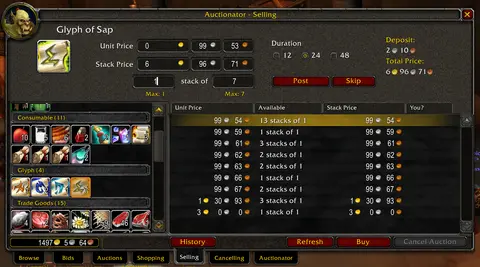
Shows another game version's interface; it looks much the same in WoW Forever.
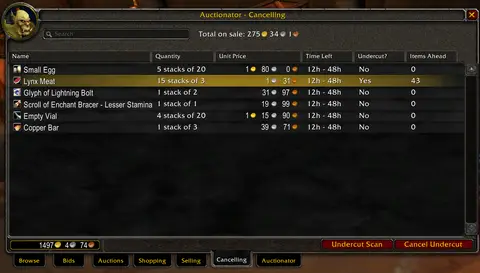
Shows another game version's interface; it looks much the same in WoW Forever.
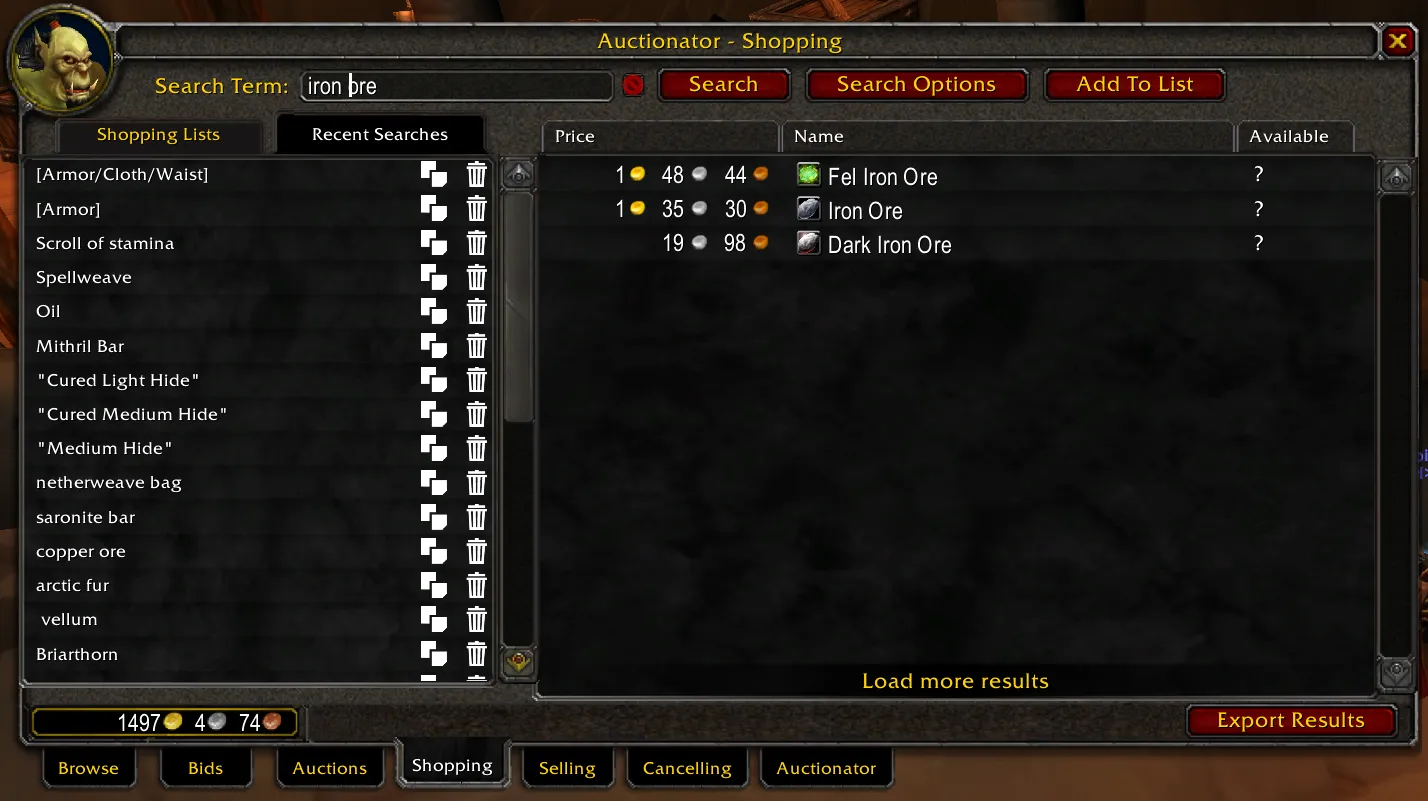
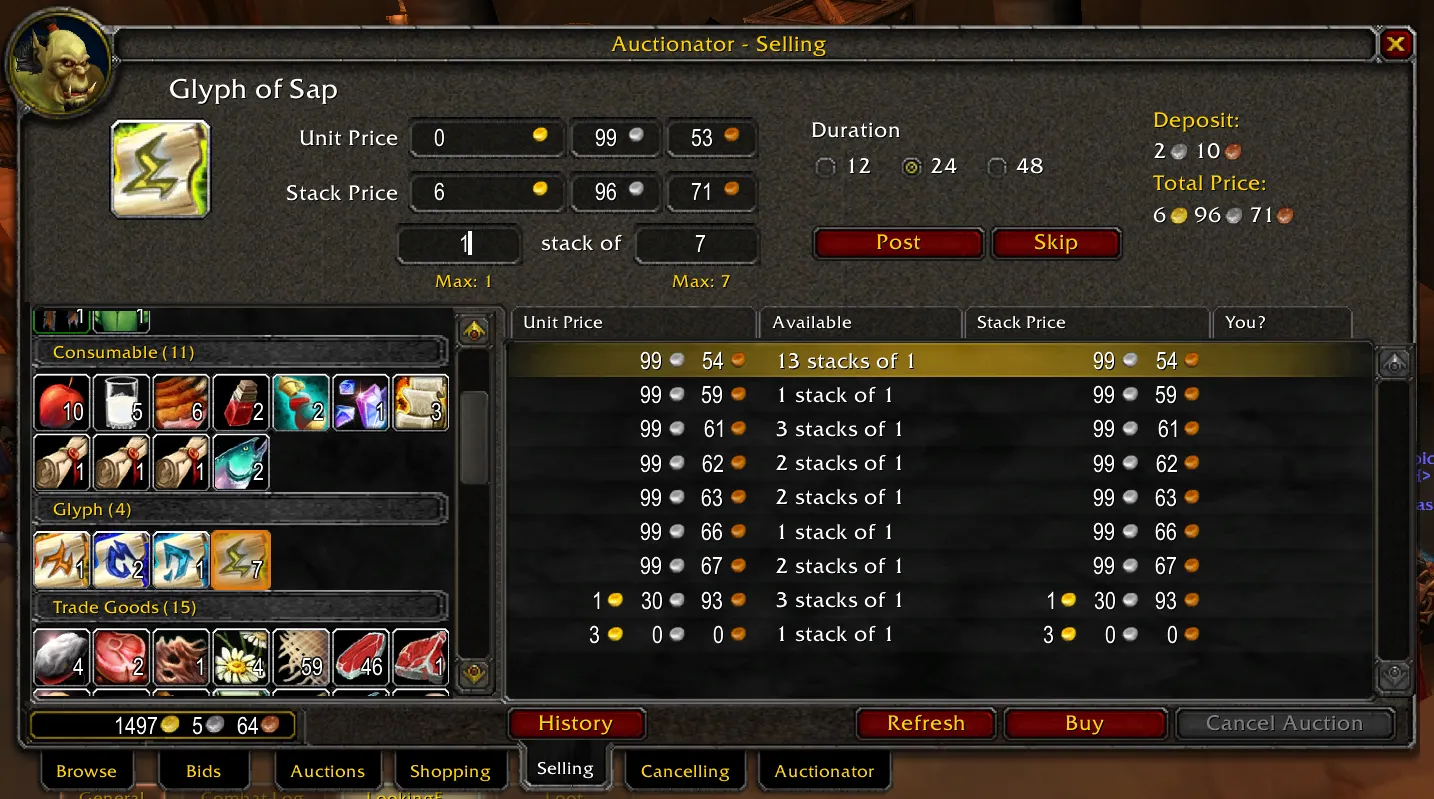
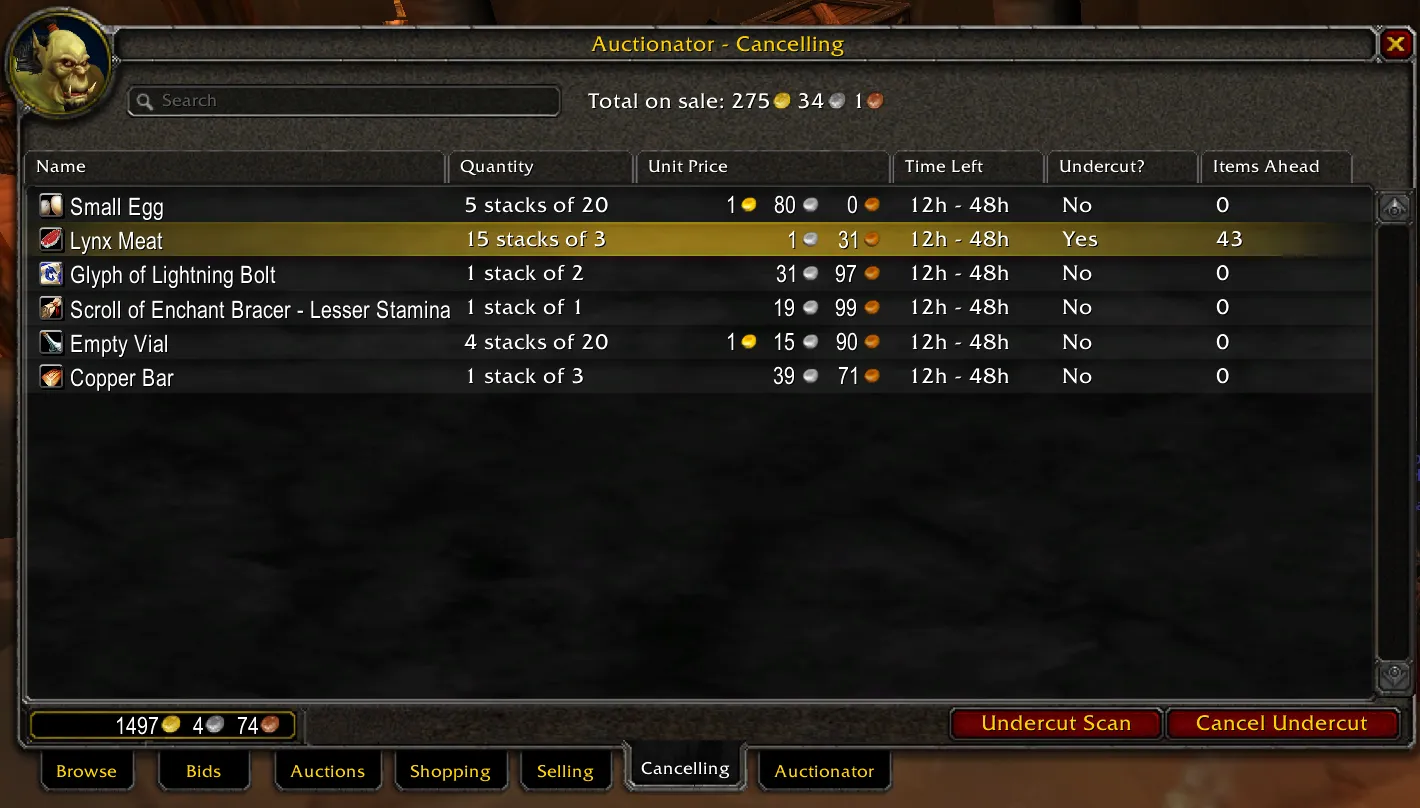
Pictures from the addon author's own project pages.
Installation
Download the WoW Forever file, extract it into _forever_/Interface/AddOns, then restart the game and enable it in the AddOns list.
_forever_/Interface/AddOnsConfiguration
First setup
- Open the auction house and run a full scan so prices show in tooltips.
- Make a shopping list for things you buy often.
- Scan for undercuts before you repost your items.
Compatibility by version
| Game version | Status | Verified release | Checked |
|---|---|---|---|
| WoW Classic | Compatible | 341 | Oct 29, 2026 |
| WoW TBC | Compatible | 341 | Oct 29, 2026 |
| WoW WotLK | Unverified
| 341 | Oct 29, 2026 |
| WoW Forever | Compatible | 341 | Oct 29, 2026 |
Alternatives
 TradeSkillMaster (TSM)Unverified
TradeSkillMaster manages whole markets with groups, operations, crafting queues and a ledger, and some of its services are paid; Auctionator focuses on faster buying, selling and price checks.