


WeakAuras for WoW Forever — Addons · WoW Forever
A framework for building your own on-screen displays for buffs, cooldowns, resources and events.
UnverifiedVerified Oct 29, 2026
Not confirmed for this client's current patch. Check the download page before installing.
- Category
- Buffs and debuffs, Cooldowns
- Author
- Stanzilla, Buds, emptyrivers, InfusOnWoW
- License
- GPL-2.0
Download
These are the addon author's own pages on other sites. Download only from them, and never run an installer an addon page asks for.
In WoW Forever
- There is no Forever version of WeakAuras: its latest release (5.22.1) has no Forever file.
- Its maintainers have also stopped supporting the current retail game.
Overview
WeakAuras lets you create displays (icons, bars, textures and text) that appear when something happens: a buff or debuff, a cooldown, your health or power reaching a point, a combat event and much more. Displays can show progress, animate, play sounds and be grouped, and Lua-savvy players can write custom triggers. You can also import displays that others have shared, for example on wago.io.
Who it's for
Players who want alerts and trackers made for their class or role. Importing someone else's display is the easy way in; building your own takes more time.
Main features
- Displays triggered by auras, health, power, cooldowns, combat events, items and more
- Progress bars, textures, animations and sounds
- Grouping of displays
- Custom Lua triggers for advanced users
- Import and export of displays, for example through wago.io
Screenshots
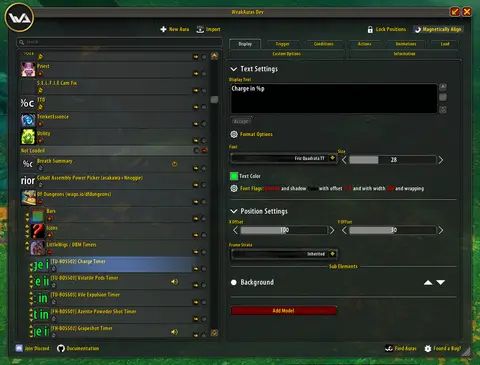
Shows another game version's interface; it looks much the same in WoW Forever.
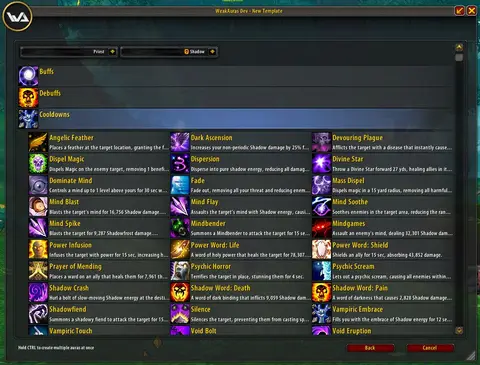
Shows another game version's interface; it looks much the same in WoW Forever.
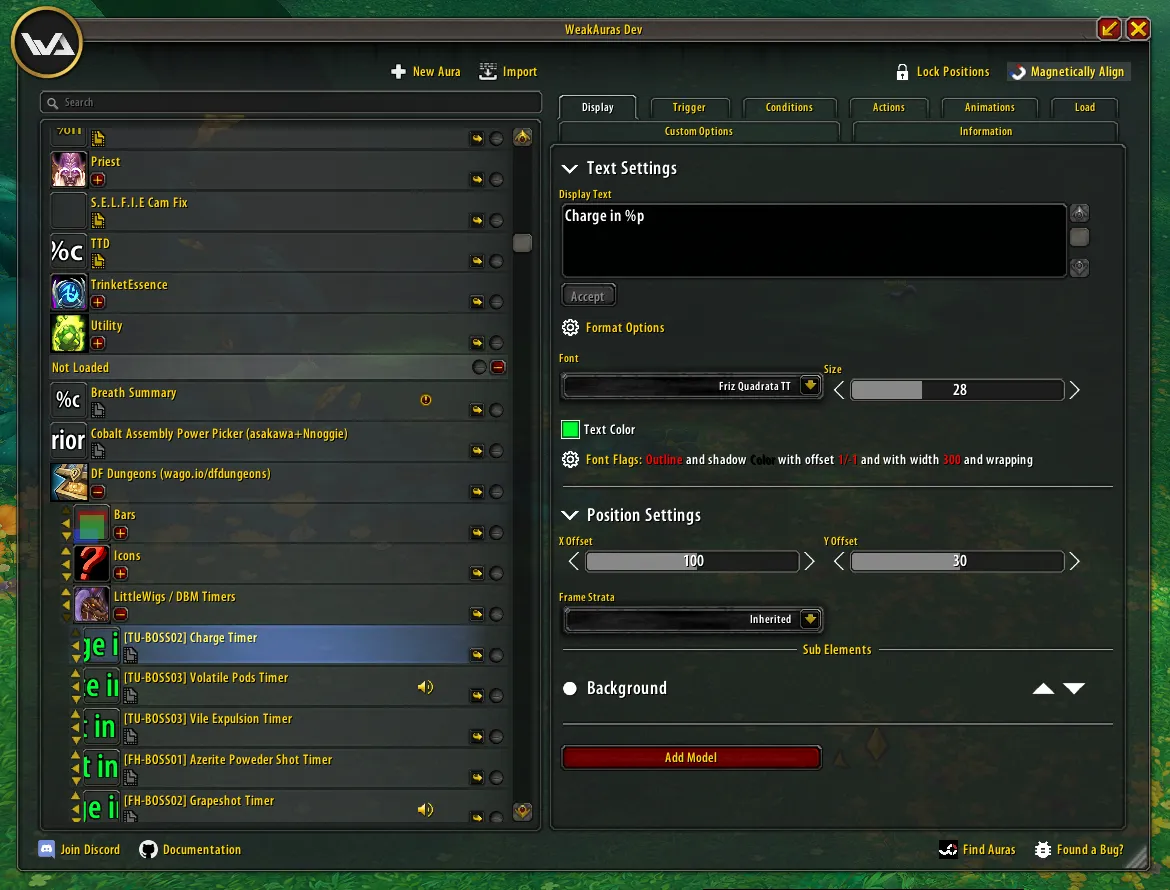
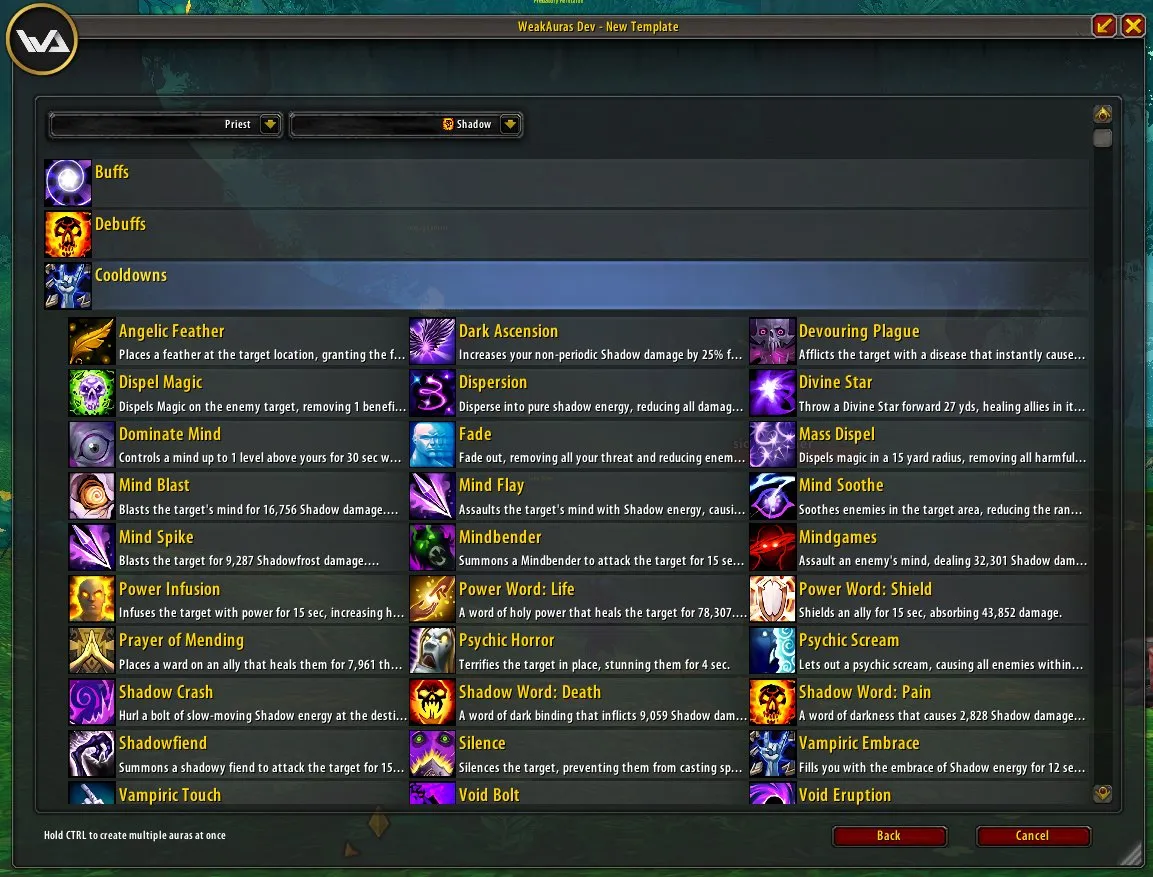
Pictures from the addon author's own project pages.
Installation
Download the WoW Forever file, extract it into _forever_/Interface/AddOns, then restart the game and enable it in the AddOns list.
_forever_/Interface/AddOnsConfiguration
Commands
/waOpens the options window (/weakauras works too).
First setup
- Type /wa (or click the minimap icon) to open the options.
- Start by importing a display someone has shared: paste its import string in the options window.
- To build your own, create a new display, give it a trigger such as a buff or a cooldown, then style it.
Common mistakes
- Importing displays without checking them: an imported display can contain custom Lua code.
Compatibility by version
| Game version | Status | Verified release | Checked |
|---|---|---|---|
| WoW Classic | Compatible | 5.22.1Oct 10, 2026 | Oct 29, 2026 |
| WoW TBC | Compatible | 5.22.1Oct 10, 2026 | Oct 29, 2026 |
| WoW WotLK | Unverified
| 5.22.1Oct 10, 2026 | Oct 29, 2026 |
| WoW Forever | Unverified
| — | Oct 29, 2026 |