


ArkInventory for WoW Forever — Addons · WoW Forever
A bag addon that sorts your items into category bars you define.
CompatibleVerified Oct 29, 2026
Its current release ships a version for this client.
- Verified release
- 3.12.17
- Category
- Bags and inventory, Inventory across characters
- Author
- Arkayenro
Download
These are the addon author's own pages on other sites. Download only from them, and never run an installer an addon page asks for.
Overview
ArkInventory builds its bag windows from virtual bars, and you decide which item categories go on each bar. It starts with categories based on professions, tooltips, item types and the PeriodicTable library, and you can add rules that put single items or groups of items where you want them. It suits players who want full control over how their bags are laid out.
Who it's for
Players who want their bags organized exactly their way and don't mind setting it up.
Main features
- Bag windows built from virtual bars you assign categories to
- Default categories from professions, tooltips, item types and PeriodicTable
- Rules that move single items or groups of items to a category
- Key bindings for each location
Screenshots
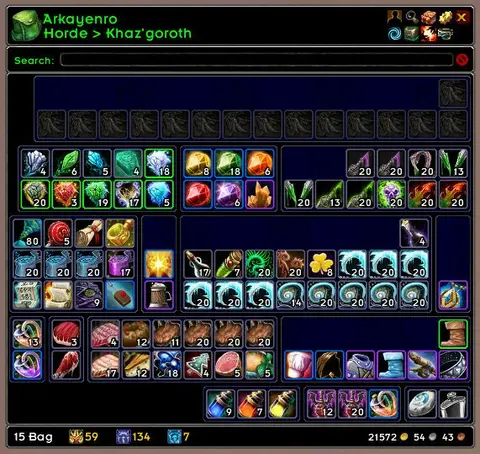
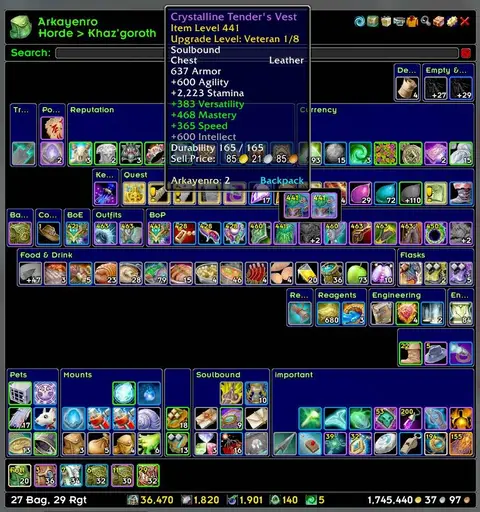
Shows another game version's interface; it looks much the same in WoW Forever.
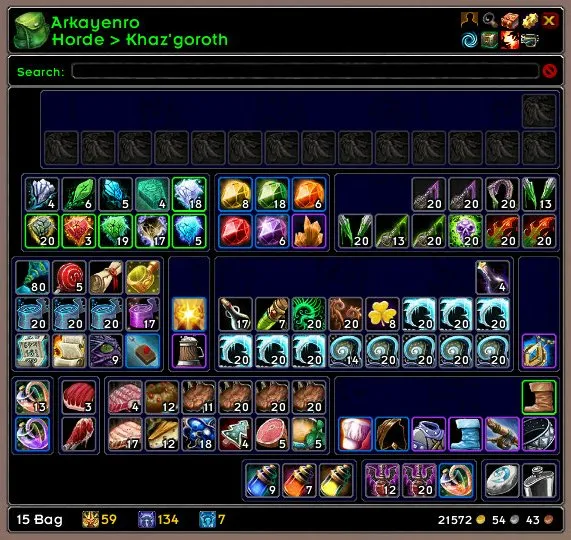
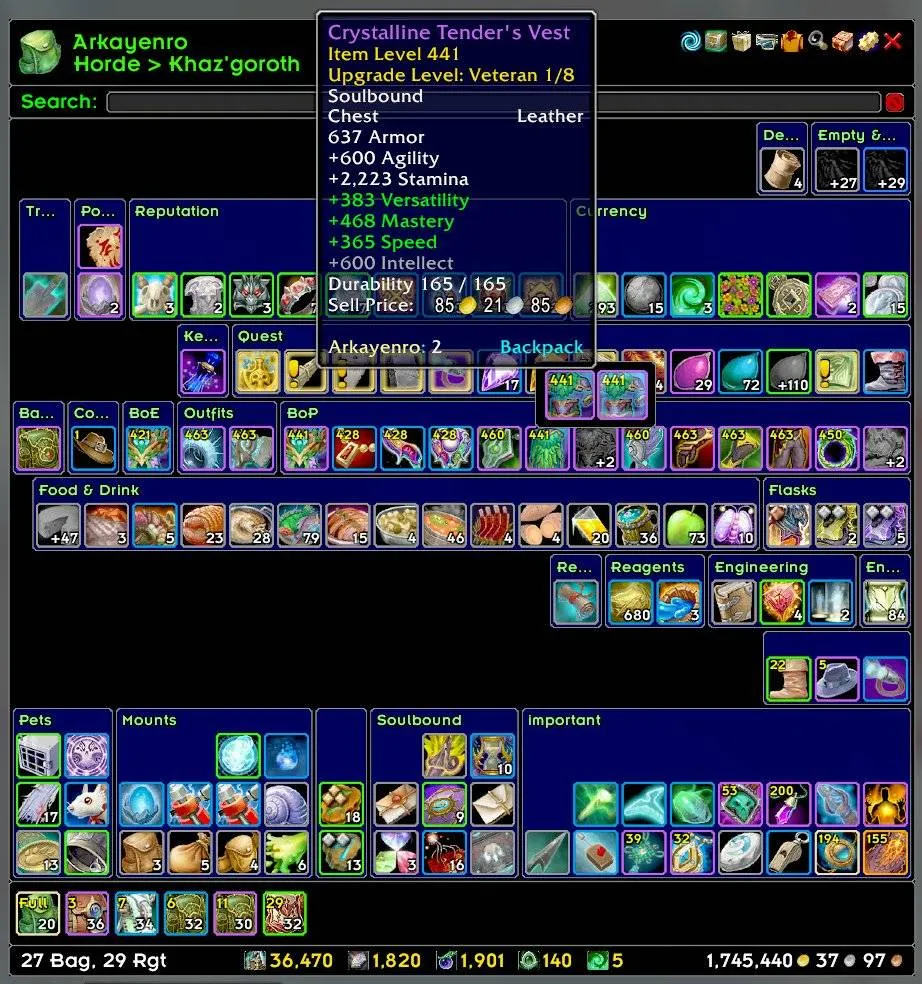
Pictures from the addon author's own project pages.
Installation
Download the WoW Forever file, extract it into _forever_/Interface/AddOns, then restart the game and enable it in the AddOns list.
_forever_/Interface/AddOnsConfiguration
First setup
- Open your bags: items start out grouped by its default categories.
- Assign categories to bars so related items sit together.
- Add rules for items that end up in the wrong place.
Common mistakes
- Running two bag addons at once: both try to open when you press the bag key.
Compatibility by version
| Game version | Status | Verified release | Checked |
|---|---|---|---|
| WoW Classic | Compatible | 3.12.17 | Oct 29, 2026 |
| WoW TBC | Compatible | 3.12.17 | Oct 29, 2026 |
| WoW WotLK | Unverified
| 3.10.29 | Oct 29, 2026 |
| WoW Forever | Compatible | 3.12.17 | Oct 29, 2026 |

