


OmniBar for WoW Classic — Addons · WoW Classic
Tracks enemy players' cooldowns on movable icon bars.
UnverifiedVerified Oct 29, 2026
Not confirmed for this client's current patch. Check the download page before installing.
- Verified release
- v34
- Category
- Enemy cooldowns, Arena
- Author
- jordonwow
Download
These are the addon author's own pages on other sites. Download only from them, and never run an installer an addon page asks for.
In WoW Classic
- Its newest Classic Era file is for patch 1.15.7, so the game lists it as Out of date in 1.15.9 until it's updated.
Overview
OmniBar shows an icon when an enemy player uses one of the cooldowns you track, so you know what they have used. You pick the cooldowns and can make several bars. Icons hide when a cooldown finishes, or you can keep unused ones on screen, and if two players use the same ability, each gets its own icon.
Who it's for
Arena and battleground players.
Main features
- Your choice of enemy cooldowns to track
- Multiple bars
- Icons that hide when a cooldown finishes, or unused icons kept on screen
- Separate icons when several players use the same ability
- Masque support
Screenshots
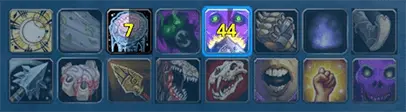
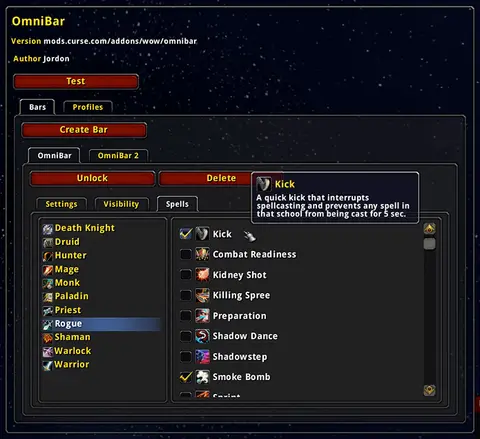
Shows another game version's interface; it looks much the same in WoW Classic.
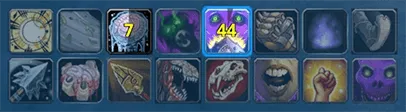
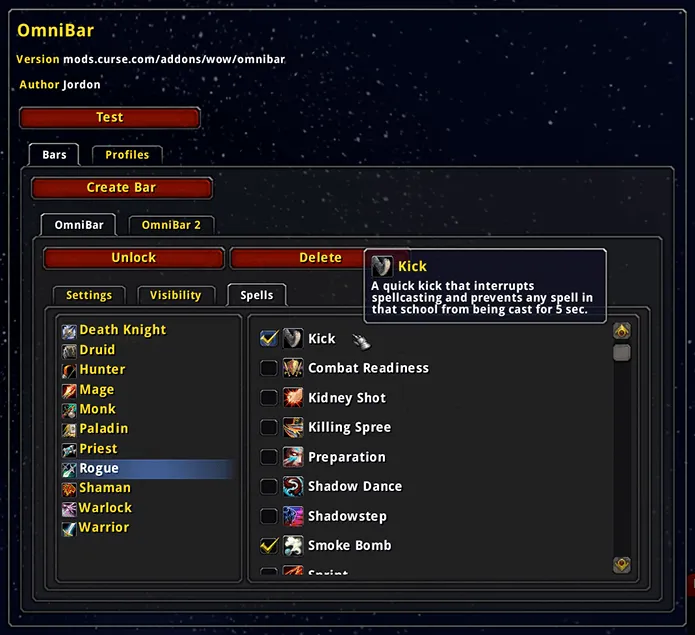
Pictures from the addon author's own project pages.
Installation
Download the WoW Classic file, extract it into _classic_era_/Interface/AddOns, then restart the game and enable it in the AddOns list.
_classic_era_/Interface/AddOnsConfiguration
Commands
/obOpens OmniBar's options.
First setup
- Type /ob to open the options.
- Pick the cooldowns you want to track.
- Choose where it shows: arenas, battlegrounds or world combat.
Advanced settings
- Turn on Show Unused Icons to keep every tracked cooldown on screen, and As Enemies Appear to limit that to opponents you've met.
Compatibility by version
| Game version | Status | Verified release | Checked |
|---|---|---|---|
| WoW Classic | Unverified
| v34Aug 10, 2025 | Oct 29, 2026 |
| WoW TBC | Unverified
| v34Aug 10, 2025 | Oct 29, 2026 |
| WoW WotLK | Compatible
| v34Aug 10, 2025 | Oct 29, 2026 |