
How to use Wowcalc — Guides · WoW Classic
Wowcalc plans a character from level 1 to 60: talents, professions, guides, a zone-by-zone route and a level-by-level path. Here is the whole loop in four steps, following one Orc Warrior called Brakka.
Create and save your character
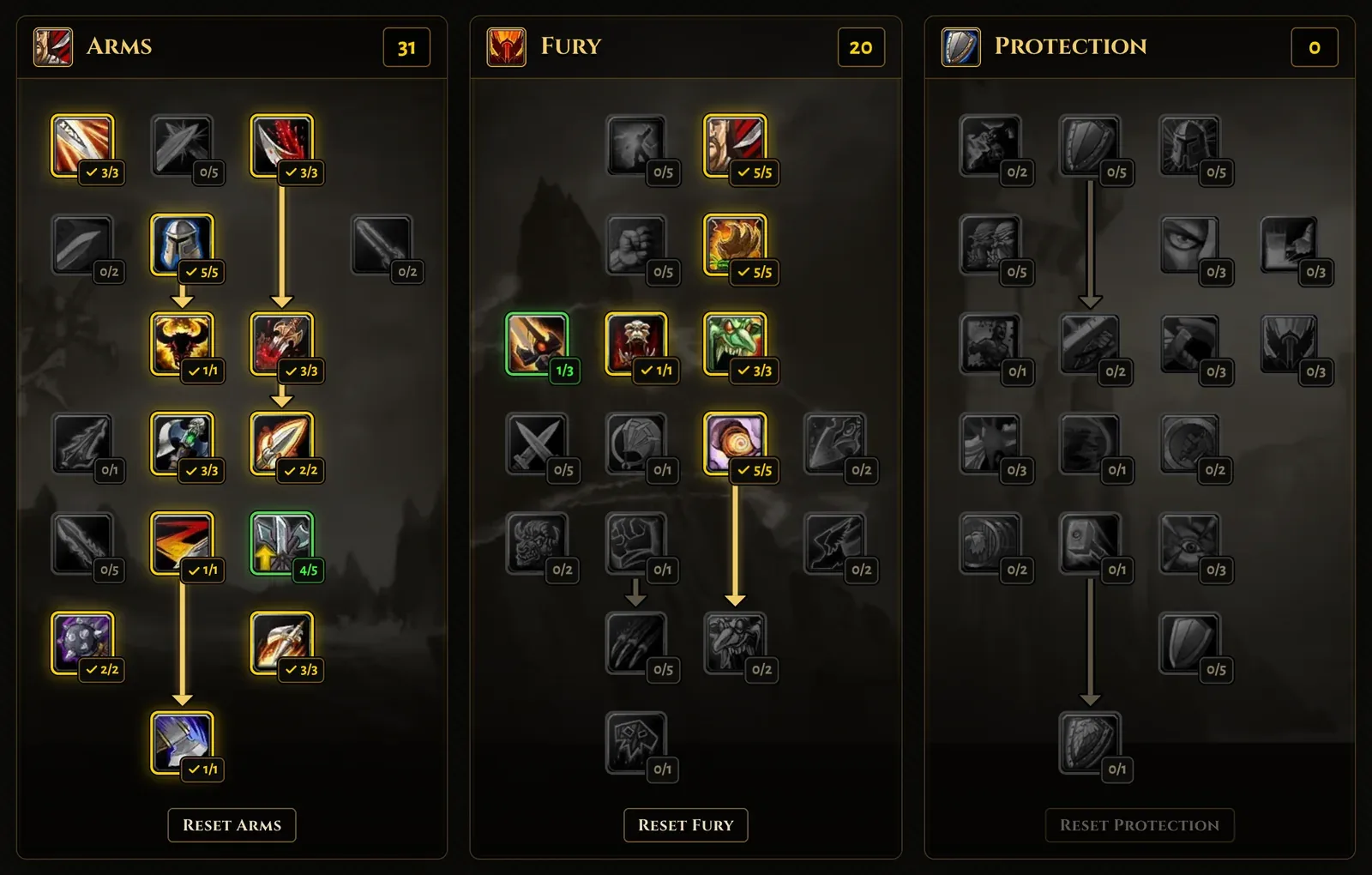
Open the Talents calculator and choose a class and race. Click a talent to spend a point and right-click to take it back. The order you click is the order your leveling path learns them.
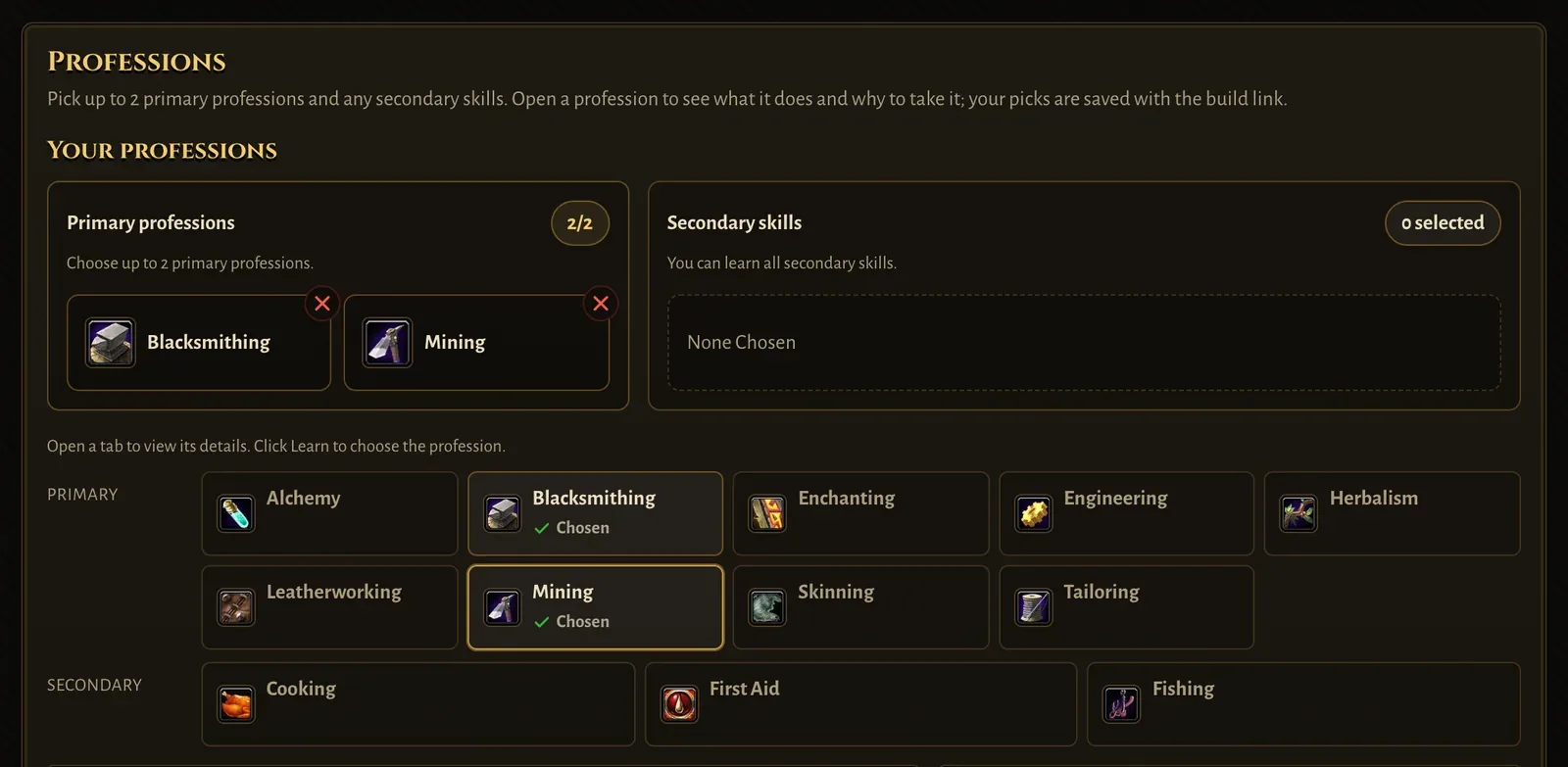
Further down, under Professions, open a profession and press Learn. You can pick two primary professions and any secondary skills. Brakka takes Mining and Blacksmithing.
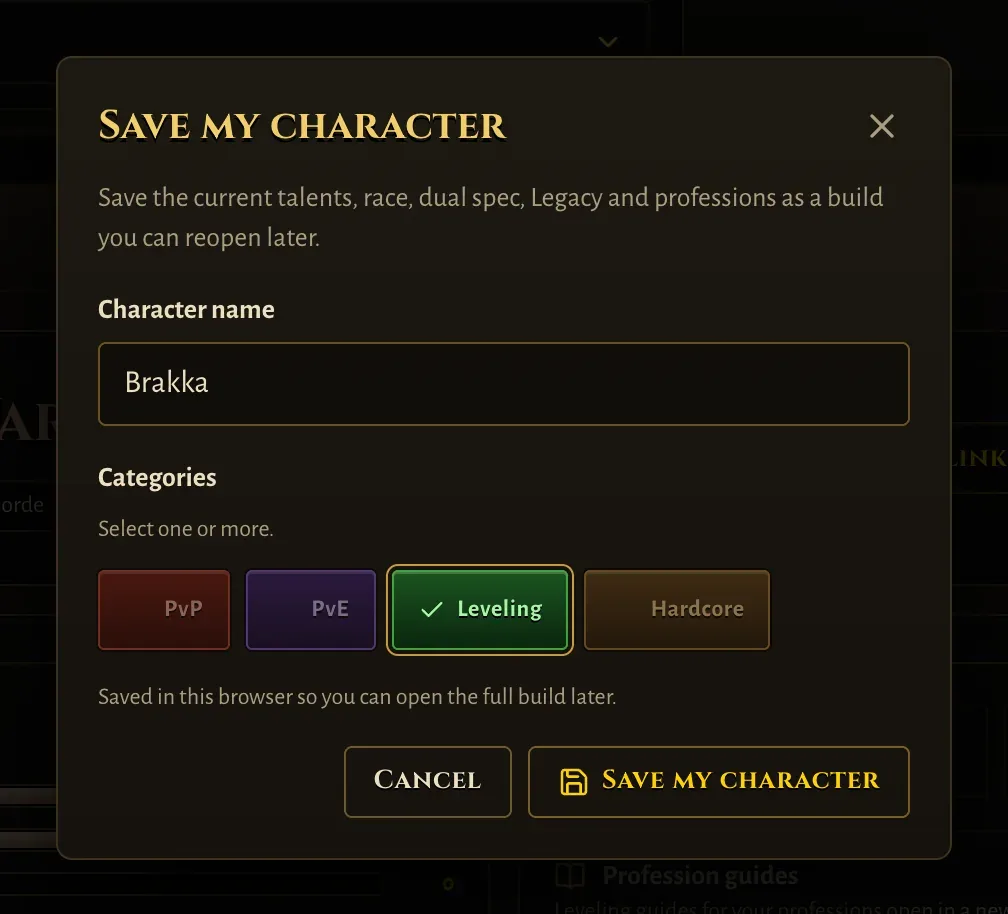
In Character overview, press Save my character, give it a name and pick a category. Characters are kept in your browser, so no account is needed.
Work from My characters
Talents → My characters lists everything you saved. Each card shows the build and a Guides list — the Leveling Guide, class quests and a guide for each profession — with progress bars.
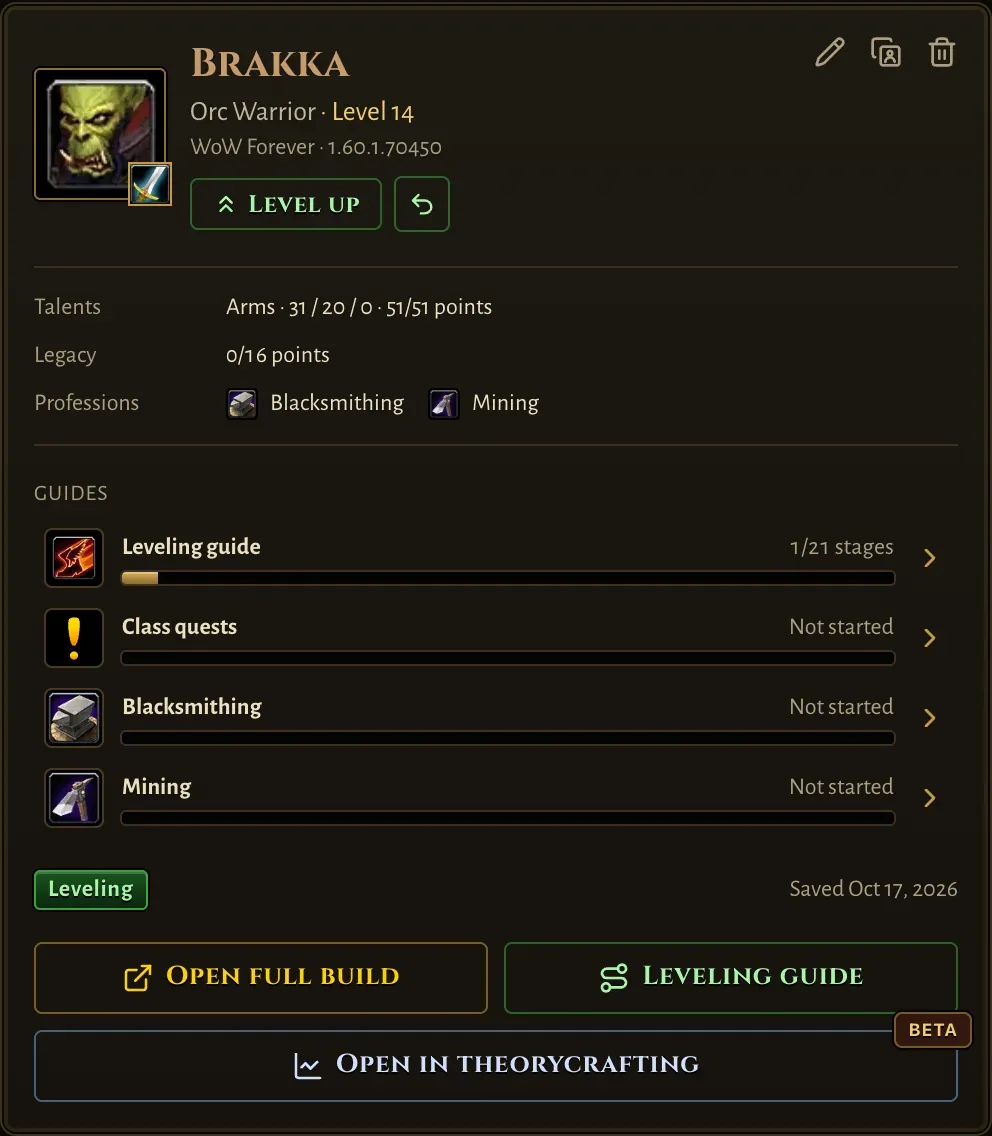
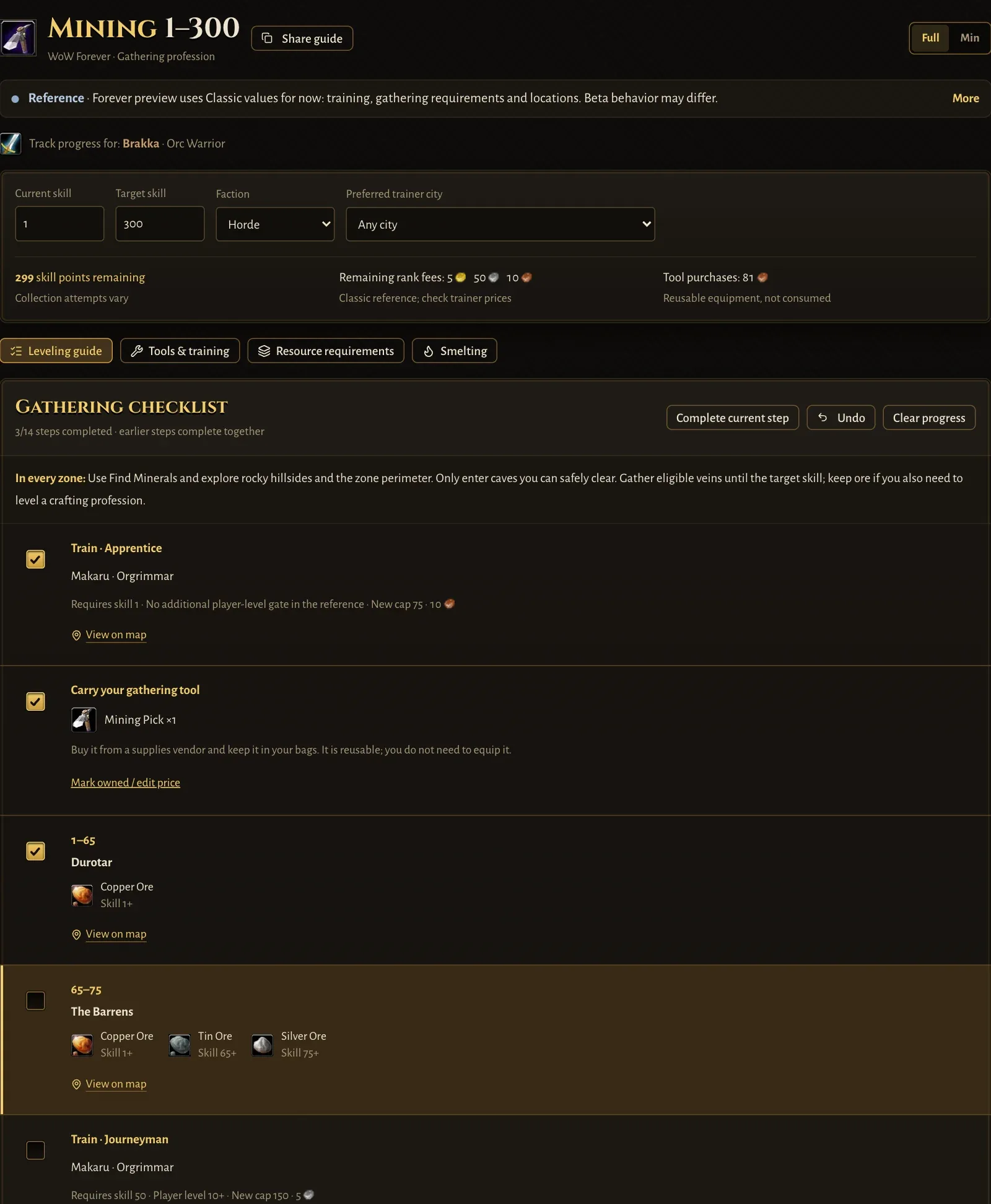
Click Mining to open its profession guide with Brakka attached. Tick each step as you finish it. Progress is saved for this character and shows on the card.
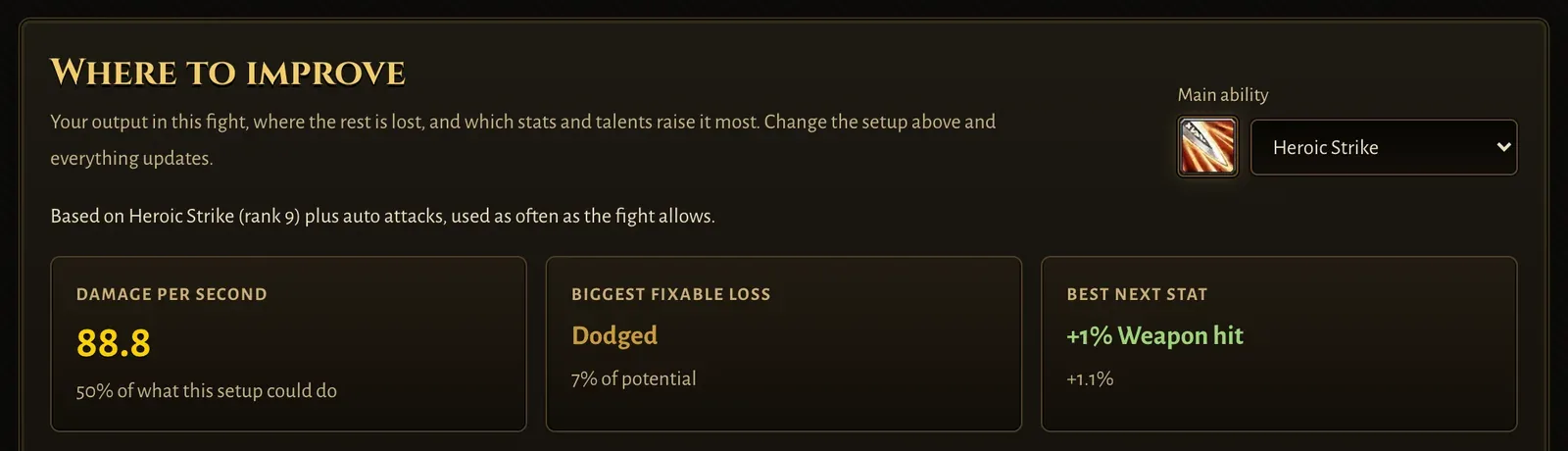
Open in theorycrafting loads the same talents and race and shows how the class performs: damage per second, where damage is lost and which stat raises it most.
Plan your route in the Leveling Guide
Press Leveling Guide on the card. The Leveling Guide opens with Brakka attached: his race, class and level are filled in, and the route starts where he is.
Pick a play style — Balanced, Questing, Dungeon-focused or Efficient — and the guide lays out the zones to level in, stage by stage. Each stage says how to get there, which quest hubs and dungeons fit your level, the class quests that start there and the talents your build takes along the way.
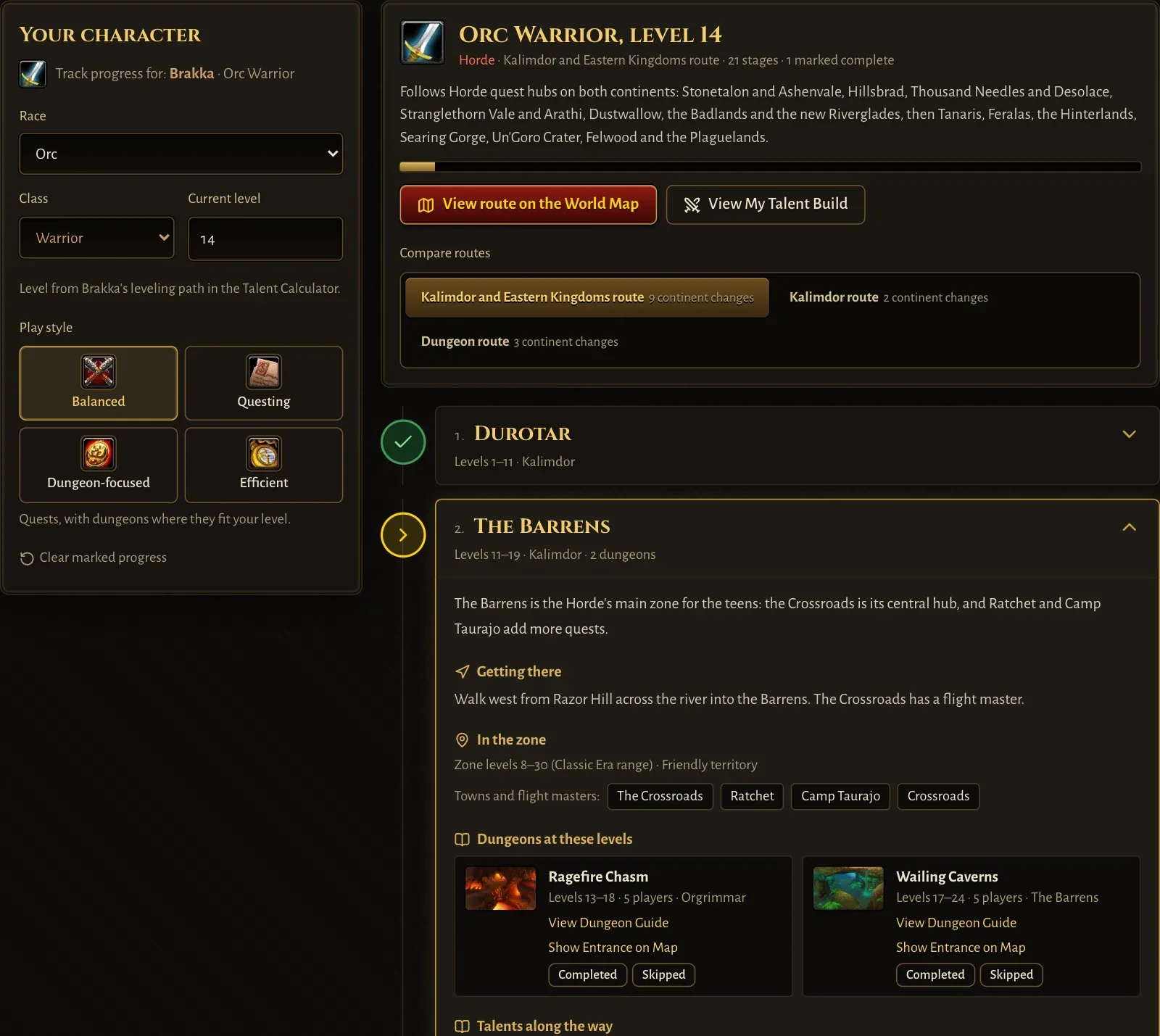
Press Mark complete as you finish a stage, and View route on the World Map to see the whole journey. Progress is saved for the character and shows on its card.
Follow the leveling path
Below the route, the guide shows Brakka's leveling path. Every level lists what to do: the talent point to spend, new spells and ranks to buy from your trainer, profession training, and class quests marked with a yellow !.
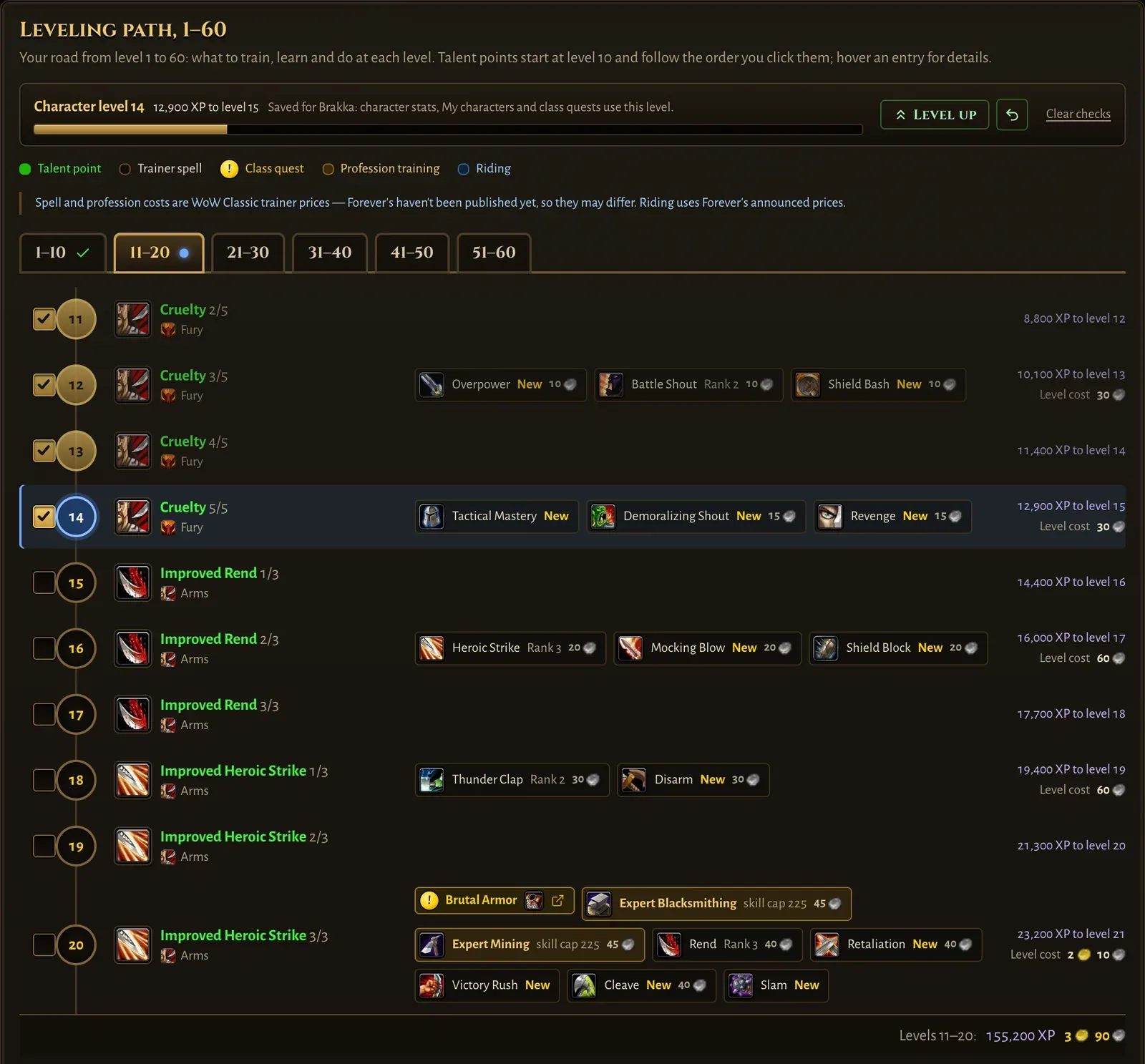
Tick a level when you reach it. The level is saved for the character: its stats, guides and card follow it, and Level up on the card moves it on one level at a time. The same path is in the Talent Calculator, below the trees.