


Deadly Boss Mods (DBM) for WoW TBC — Addons · WoW TBC
Warnings and timers for boss fights in raids and dungeons.
CompatibleVerified Oct 29, 2026
Its current release ships a version for this client.
- Verified release
- 12.1.18
- Interface
- 20506
- Category
- Boss timers and warnings
Download
These are the addon author's own pages on other sites. Download only from them, and never run an installer an addon page asks for.
Overview
Deadly Boss Mods tells you what a boss is about to do: timer bars count down to its next abilities, and warnings show when you need to react. Boss modules load only when you need them, warnings you can't act on in your role can be filtered out, and it supports voice packs. If you disconnect during a fight, it gets your timers back.
Who it's for
Anyone who runs raids or dungeons, from first-time raiders to raid leaders.
Main features
- Boss modules for raids, dungeons and special events
- Role filtering that hides warnings you can't act on
- An optional automatic reply to whispers during a boss fight
- Timers restored after a disconnect
- Boss modules that load only when needed
- Voice pack support
Screenshots
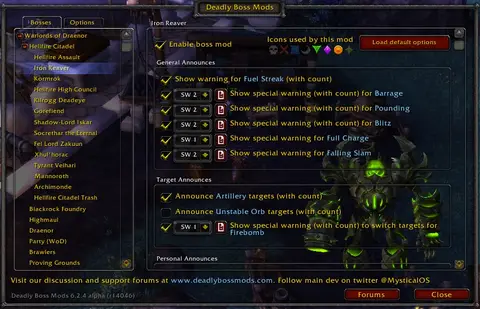
Shows another game version's interface; it looks much the same in WoW TBC.
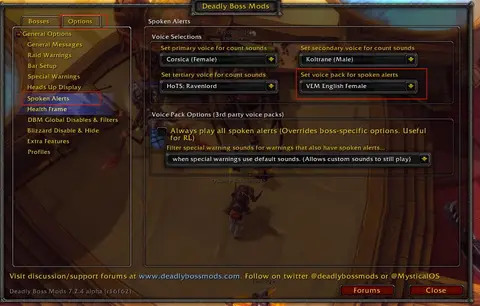
Shows another game version's interface; it looks much the same in WoW TBC.
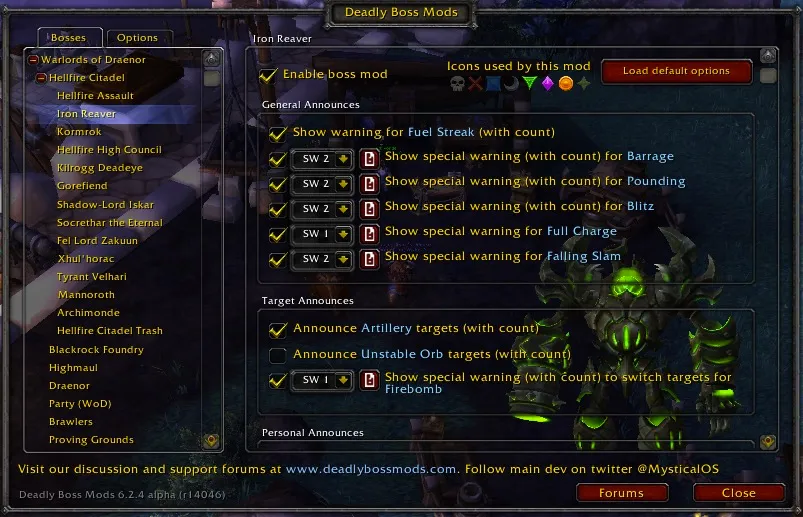
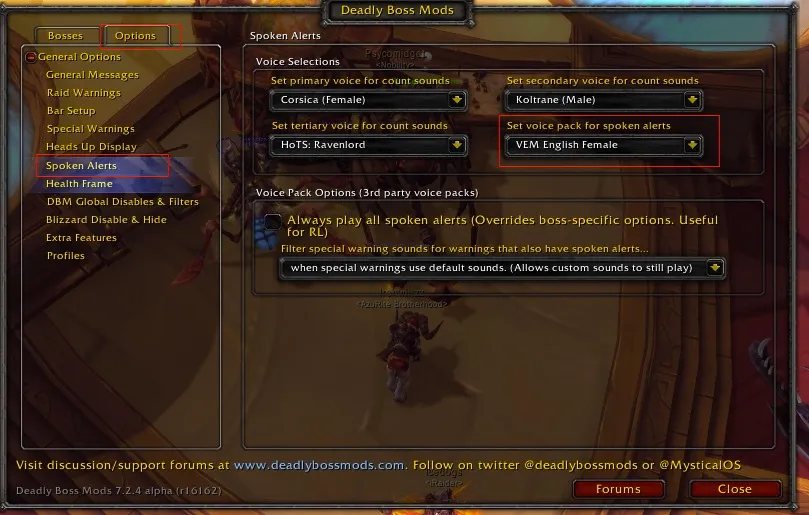
Pictures from the addon author's own project pages.
Installation
Download the WoW TBC file, extract it into _anniversary_/Interface/AddOns, then restart the game and enable it in the AddOns list.
_anniversary_/Interface/AddOnsWorks with
- Older-content raid modules come as separate packages.
- Dungeon modules come in the separate DBM-Dungeons package, which also ships for Classic Era, TBC, Wrath and Forever.
Configuration
Commands
/dbmShows or hides the DBM window./dbm helpLists the other slash commands.
First setup
- Install DBM with any module packages you need, such as DBM-Dungeons for dungeons.
- Type /dbm to open its options and check where the timer bars and warnings appear.
- Set its role filters so it warns you about what you can act on.
Common mistakes
- Running DBM and BigWigs at the same time: you get two sets of warnings for every boss.
Known issues
- Several DBM updates a day mean your addon manager is set to alpha builds: set DBM's release type to Release or Beta for fewer, more stable updates.
Compatibility by version
| Game version | Status | Verified release | Checked |
|---|---|---|---|
| WoW Classic | Compatible | 12.1.18Oct 26, 2026 | Oct 29, 2026 |
| WoW TBC | Compatible | 12.1.18Oct 26, 2026 | Oct 29, 2026 |
| WoW WotLK | Compatible | 12.1.18Oct 26, 2026 | Oct 29, 2026 |
| WoW Forever | Compatible | 12.1.18Oct 26, 2026 | Oct 29, 2026 |
Alternatives
 BigWigs BossmodsCompatible
BigWigs does the same job and splits its modules into packages (BigWigs_Classic for Classic raids, LittleWigs for dungeons); DBM's dungeon modules come in DBM-Dungeons.