


Clique for WoW WotLK — Addons · WoW WotLK
Click-casting: bind mouse and key combinations to spells you cast on the unit frame you click.
UnverifiedVerified Oct 29, 2026
Not confirmed for this client's current patch. Check the download page before installing.
- Verified release
- v5.0.15-release
- Category
- Healing
- Author
- Cladhaire
Download
These are the addon author's own pages on other sites. Download only from them, and never run an installer an addon page asks for.
In WoW WotLK
- Its Wrath release is listed for Titan Reforged (patch 3.80.2) only, a different client: on these 3.4.5 realms the game lists it as Out of date.
Overview
Clique lets you cast a spell or macro on a player by clicking their unit frame with a mouse or key combination you choose. It works on unit frames and on characters in the 3D world, and you set your bindings from an extra tab in the spellbook.
Who it's for
Healers, and anyone who often casts on friendly players.
Main features
- Mouse and key combinations bound to spells or macros
- Works on unit frames and on characters in the 3D world
- Bindings set from a new tab in the spellbook
Limitations
- Bindings can't be changed in combat: the game doesn't allow it.
Screenshots
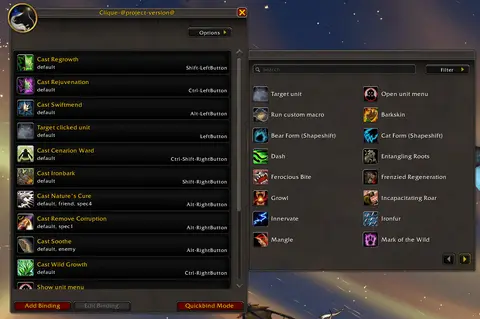
Shows another game version's interface; it looks much the same in WoW WotLK.
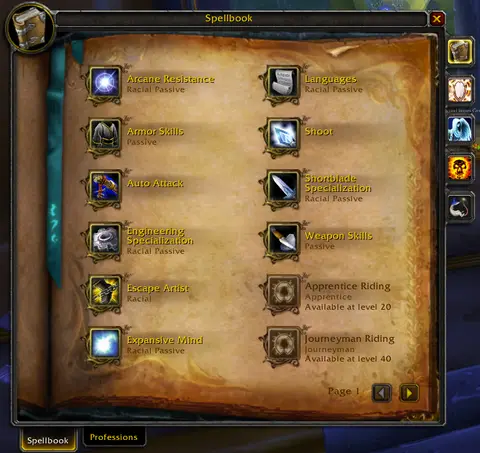
Shows another game version's interface; it looks much the same in WoW WotLK.
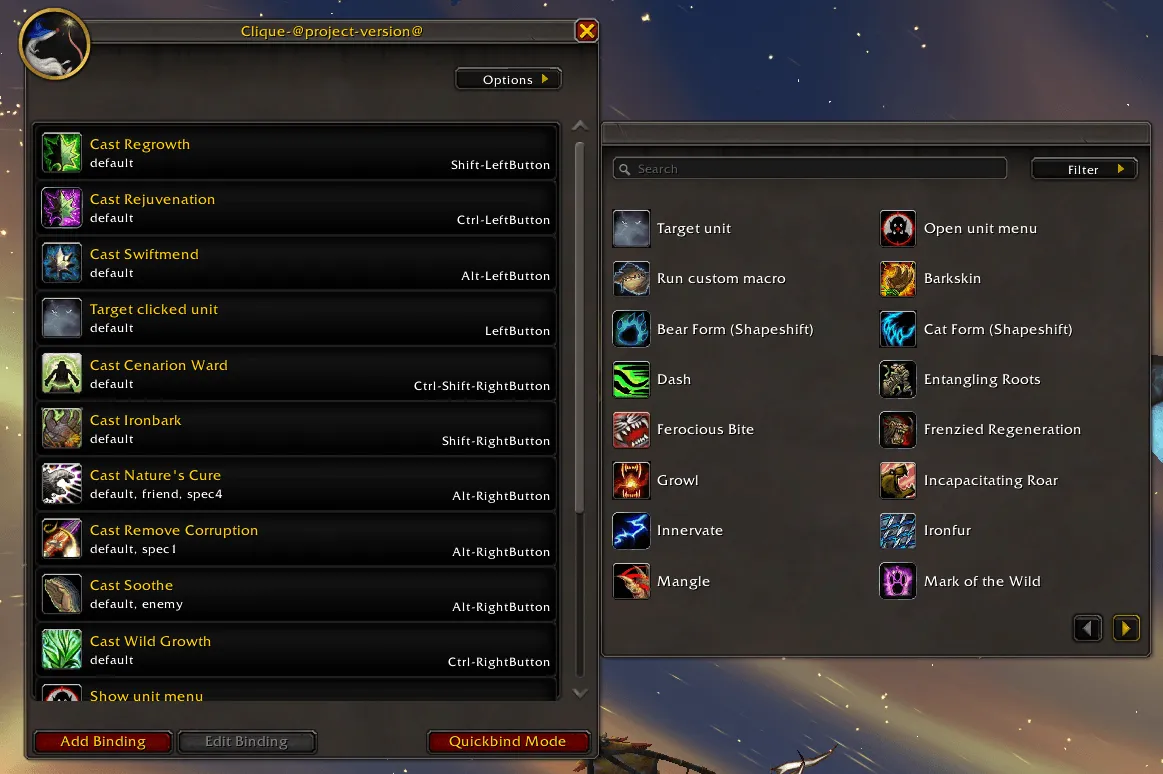
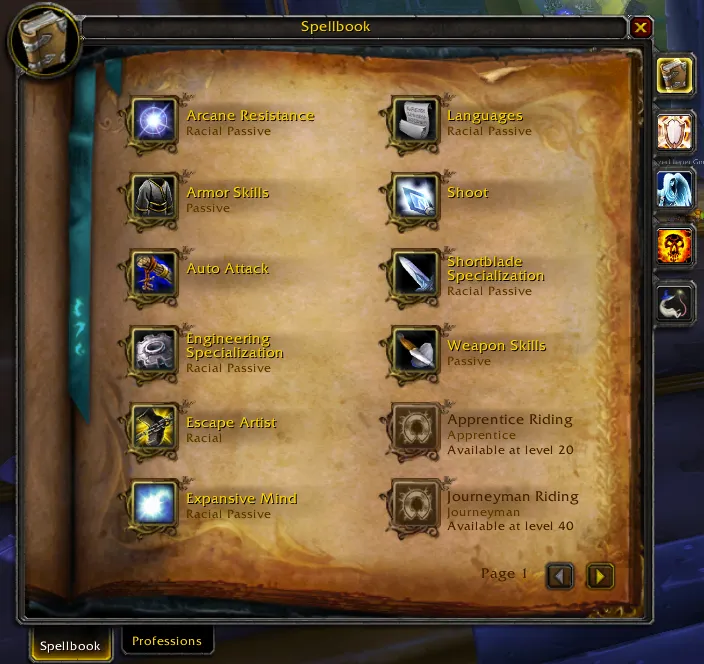
Pictures from the addon author's own project pages.
Installation
Download the WoW WotLK file, extract it into _classic_/Interface/AddOns, then restart the game and enable it in the AddOns list.
_classic_/Interface/AddOnsConfiguration
Commands
/cliqueOpens the binding setup.
First setup
- Open your spellbook and go to the Clique tab (or type /clique).
- Bind a spell to a mouse or key combination.
- Click a unit frame with that combination to cast the spell on that player.
Common mistakes
- Using two click-casting addons on the same frames: the same click can end up bound twice.
Compatibility by version
| Game version | Status | Verified release | Checked |
|---|---|---|---|
| WoW Classic | Compatible | v5.0.15-release | Oct 29, 2026 |
| WoW TBC | Compatible | v5.0.15-release | Oct 29, 2026 |
| WoW WotLK | Unverified
| v5.0.15-release | Oct 29, 2026 |
Alternatives
 CellUnverified
Cell has click-casting built into its own raid frames; Clique adds click-casting to the unit frames you already use.
 VuhDoUnverified
VuhDo's click-healing works on VuhDo's own raid bars; Clique works on other unit frames and in the 3D world.
 HealBot ContinuedUnverified
HealBot's click-casting works on its own healing frames; Clique works on other unit frames and in the 3D world.