


PallyPower for WoW WotLK — Addons · WoW WotLK
Coordinates paladin blessings, auras and seals in groups and raids.
UnverifiedVerified Oct 29, 2026
Not confirmed for this client's current patch. Check the download page before installing.
- Verified release
- v1.5.22-classic
- Category
- Class tools
- Class
- Paladin
- Author
- aznamir
- License
- All Rights Reserved
Download
These are the addon author's own pages on other sites. Download only from them, and never run an installer an addon page asks for.
In WoW WotLK
- Its newest Wrath file is for patch 3.4.3, so the game lists it as Out of date in 3.4.5 until it's updated.
Overview
PallyPower helps paladins manage their buffs. You set your own Righteous Fury, aura, seal and blessings, and it shows when someone is missing a buff. In a group, the leader can assign blessings to every paladin running the addon; an Auto Buff button refreshes normal blessings, class buttons cast Greater Blessings, and pop-out buttons rebuff one player.
Who it's for
Paladins in groups and raids, and raid leaders who hand out blessing assignments.
Main features
- Your own Righteous Fury, aura, seal and blessing choices, with a missing-buff indicator
- Blessing assignments from the leader to every paladin running it
- An Auto Buff button that refreshes normal blessings
- Class buttons for Greater Blessings, with pop-out buttons to rebuff one player
Limitations
- Assignments can't be changed in combat.
- Other paladins only follow assignments if they run PallyPower too, and only the party or raid leader or an assistant can assign them.
Screenshots
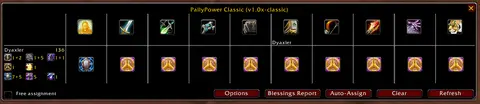
Shows another game version's interface; it looks much the same in WoW WotLK.
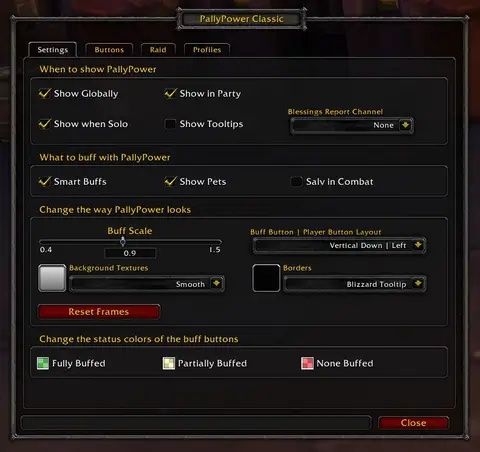
Shows another game version's interface; it looks much the same in WoW WotLK.
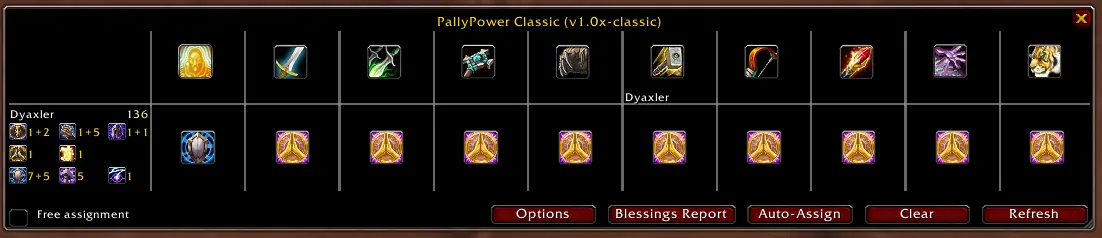
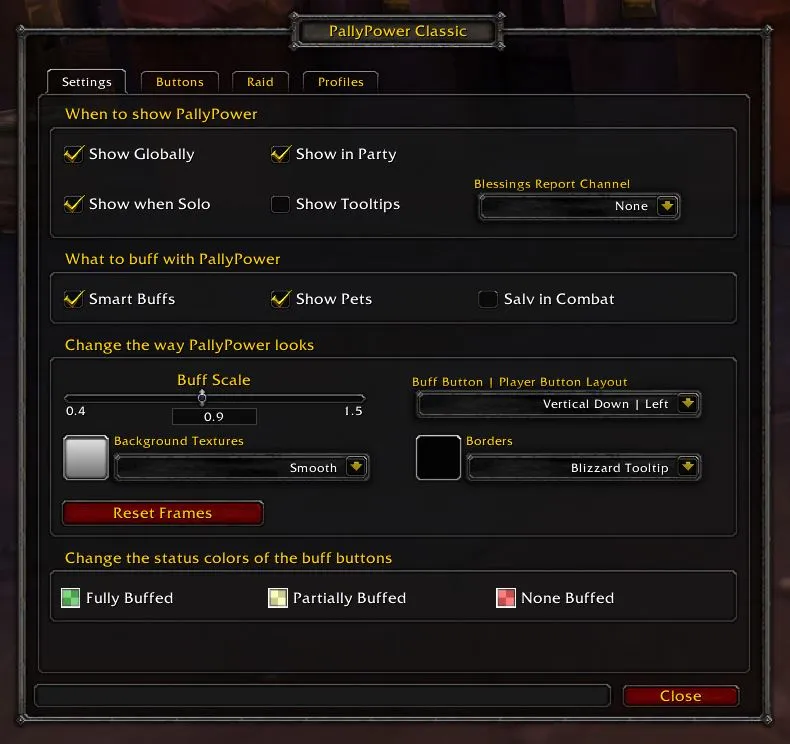
Pictures from the addon author's own project pages.
Installation
Download the WoW WotLK file, extract it into _classic_/Interface/AddOns, then restart the game and enable it in the AddOns list.
_classic_/Interface/AddOnsConfiguration
First setup
- Scroll the mouse wheel over the aura and seal buttons to choose yours; left-click the aura button to cast it.
- Right-click the drag dot to open blessing assignments; Shift-right-click it for the options.
- In a raid, use the class buttons for Greater Blessings and the pop-out player buttons for single players.
Advanced settings
- Macros can press its buttons, for example /click PallyPowerC1 LeftButton Down casts the first class button's Greater Blessing.
Common mistakes
- Clicking a class button more than once: each click casts another Greater Blessing and uses another Symbol of Kings, so watch the timers.
Compatibility by version
| Game version | Status | Verified release | Checked |
|---|---|---|---|
| WoW Classic | Compatible | v1.5.22-classicJul 29, 2026 | Oct 29, 2026 |
| WoW TBC | Compatible | v1.5.22-classicJul 29, 2026 | Oct 29, 2026 |
| WoW WotLK | Unverified
| v1.5.22-classicJul 29, 2026 | Oct 29, 2026 |