


Guidelime for WoW WotLK — Addons · WoW WotLK
Shows a leveling guide as a list of steps that tick themselves off as you play, with map markers and an arrow to the next step.
UnverifiedVerified Oct 29, 2026
Not confirmed for this client's current patch. Check the download page before installing.
- Verified release
- v6.012
- Category
- Leveling guides, Quest helpers
- Author
- max-ri
Download
These are the addon author's own pages on other sites. Download only from them, and never run an installer an addon page asks for.
In WoW WotLK
- Its newest Wrath file is for patch 3.4.4, so the game lists it as Out of date in 3.4.5 until it's updated.
Overview
Guidelime follows a written leveling route with you. Its steps update on their own as you accept and finish quests, loot quest items and kill the mobs you need. The places a step mentions are marked on the map and minimap, and an arrow points to the next one. Guides come as separate addons, and a built-in editor lets you write or import your own.
Who it's for
Players leveling who want a step-by-step route to follow, and players who want to write their own routes.
Main features
- Guide steps that complete themselves as you accept and finish quests, loot items and kill mobs
- Map and minimap markers for each step, plus an arrow to the next one
- A built-in editor to write your own guides or import one
- Guides installed as separate addons
- Available in English, German, French, Russian and Chinese
Limitations
- The guides are separate downloads: install the ones you want next to Guidelime.
- Most guides are written in English only, even though the addon itself is translated.
Screenshots
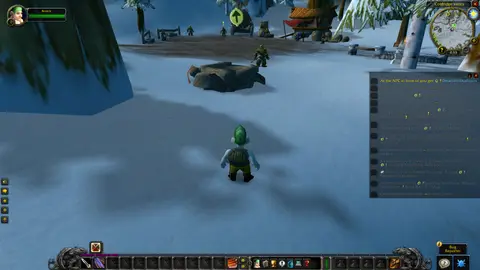
Shows another game version's interface; it looks much the same in WoW WotLK.
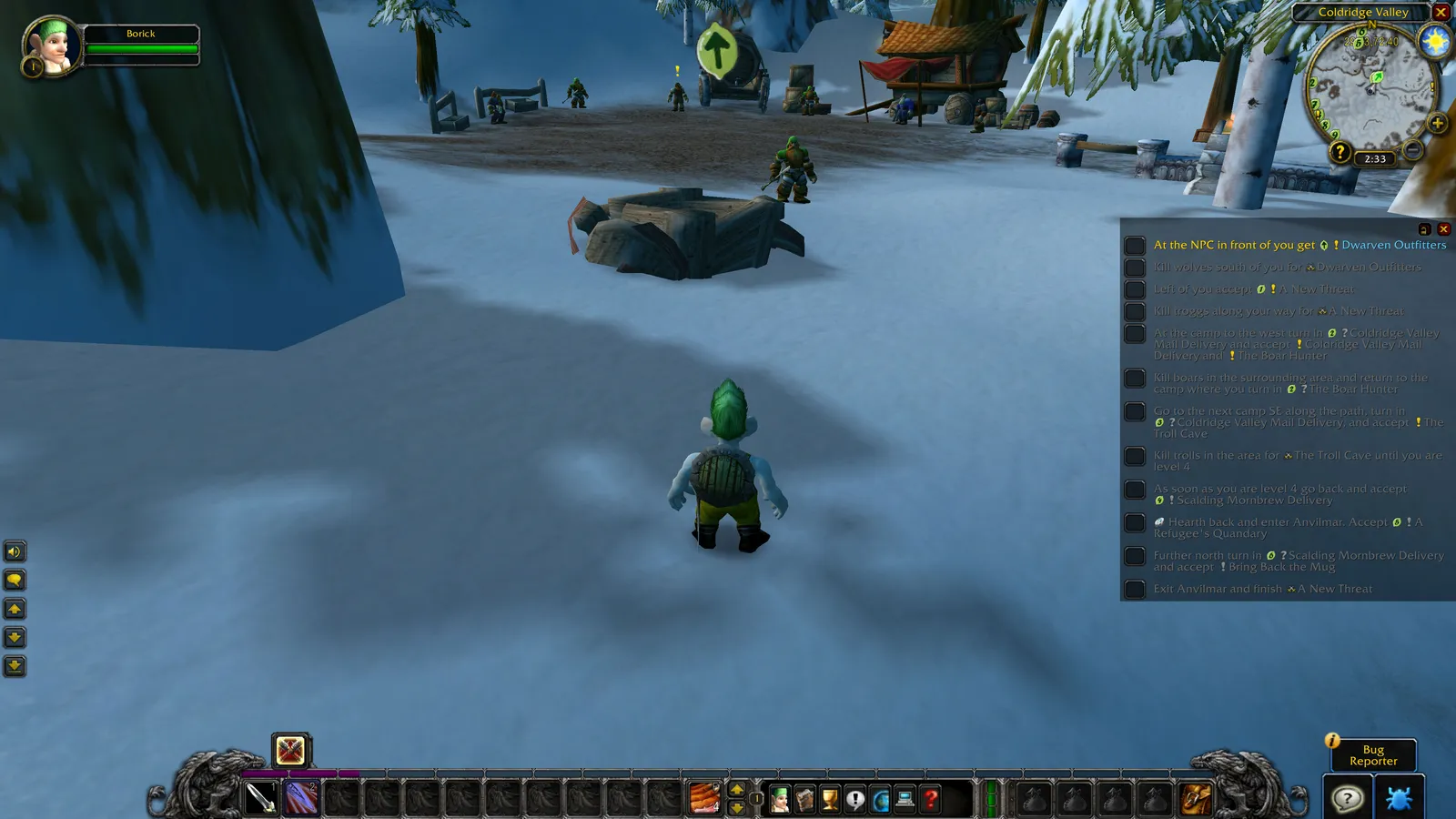
Pictures from the addon author's own project pages.
Installation
Download the WoW WotLK file, extract it into _classic_/Interface/AddOns, then restart the game and enable it in the AddOns list.
_classic_/Interface/AddOnsWorks with
- Guides are separate addons: put each guide's folder next to the Guidelime folder in AddOns, or install it with an addon manager.
Configuration
Commands
/limeOpens the Guidelime window again after you've closed it.
First setup
- Install Guidelime and at least one guide: the guides are separate addons, listed on Guidelime's GitHub wiki.
- Log in, choose a guide and follow its steps: they tick off as you play.
- If you close the window, type /lime to bring it back (it's also under Interface Options > AddOns > Guidelime).
Advanced settings
- Use the built-in editor to write your own guide or import one.
Common mistakes
- Running two leveling guide addons at once: both try to steer you, and their arrows and markers overlap.
Compatibility by version
| Game version | Status | Verified release | Checked |
|---|---|---|---|
| WoW Classic | Compatible | v6.012Oct 27, 2026 | Oct 29, 2026 |
| WoW TBC | Compatible | v6.012Oct 27, 2026 | Oct 29, 2026 |
| WoW WotLK | Unverified
| v6.012Oct 27, 2026 | Oct 29, 2026 |
| WoW Forever | Partially compatible
| v6.012Oct 27, 2026 | Oct 29, 2026 |
Alternatives
 RestedXP GuidesUnverified
RestedXP Guides adds automation such as auto quest accept and turn-in, and its full routes are paid; Guidelime is free and uses guides installed as separate addons.
 QuestieUnverified
Questie marks every quest around you on the map and leaves the order to you; Guidelime follows one written route step by step.