


ElvUI for WoW WotLK — Addons · WoW WotLK
Replaces the whole default interface with one configurable layout.
UnverifiedVerified Oct 29, 2026
Not confirmed for this client's current patch. Check the download page before installing.
- Verified release
- v16.00
- Category
- UI replacements, Action bars, Unit frames
- Author
- Elv, Simpy (Tukui)
Download
These are the addon author's own pages on other sites. Download only from them, and never run an installer an addon page asks for.
In WoW WotLK
- Its Wrath file is made for Titan Reforged (interface 38002), a different client: on these 3.4.5 realms the game lists it as Out of date.
Overview
ElvUI replaces the default user interface as a whole with its own layout and settings. Players use it to get one consistent interface from a single download instead of combining many separate addons. It has a lot of options, so expect to spend some time setting it up.
Who it's for
Players who want a complete new interface and are ready to spend time setting it up.
Main features
- A full replacement for the default user interface
- One download with three folders: ElvUI, ElvUI_Libraries and ElvUI_Options
- Optional integration with Masque and BigWigs
Screenshots
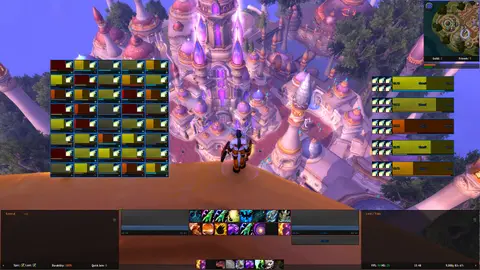
Shows another game version's interface; it looks much the same in WoW WotLK.
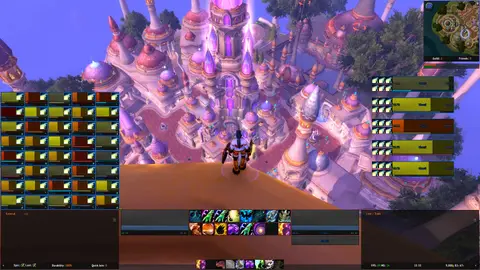
Shows another game version's interface; it looks much the same in WoW WotLK.
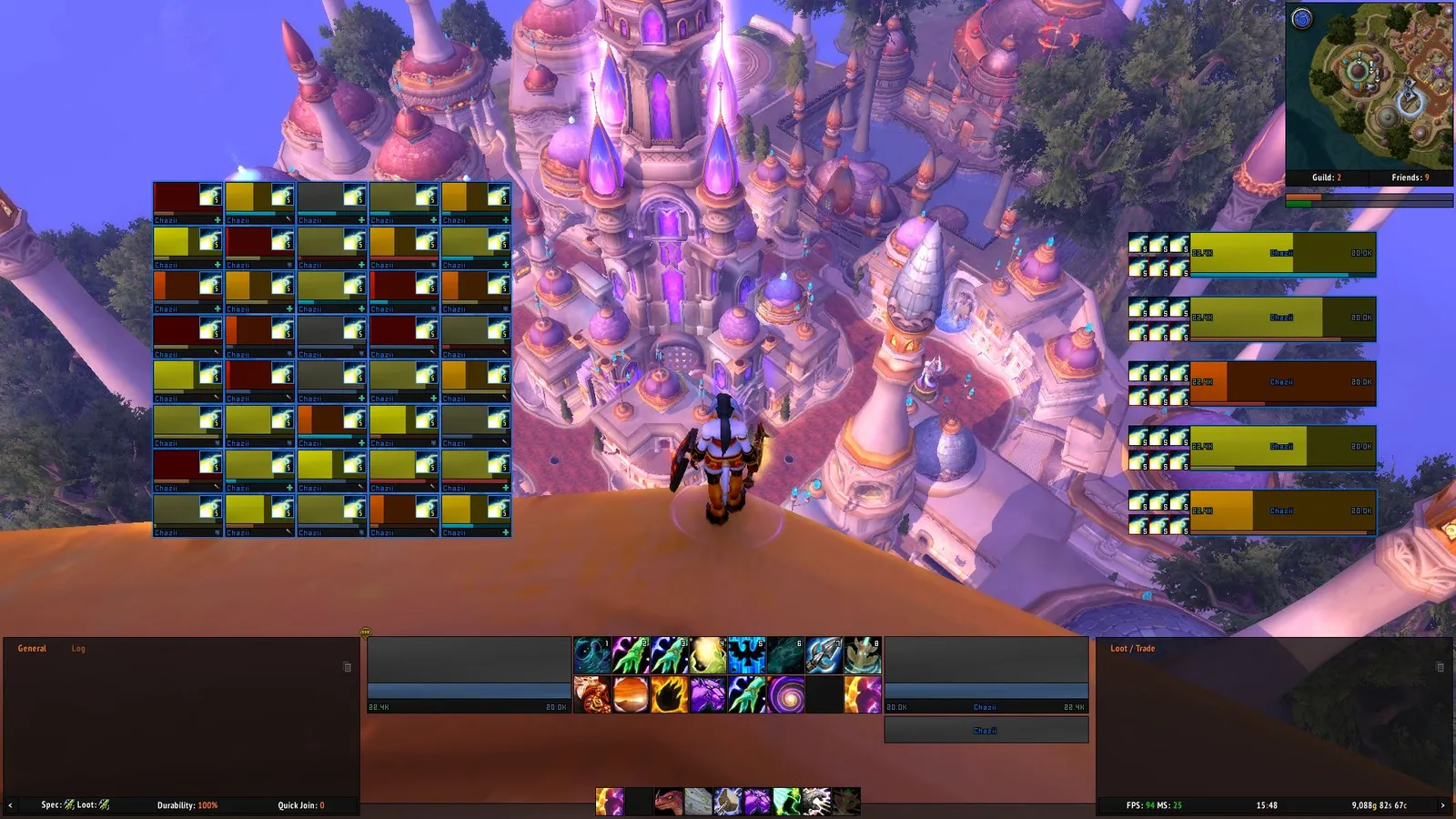
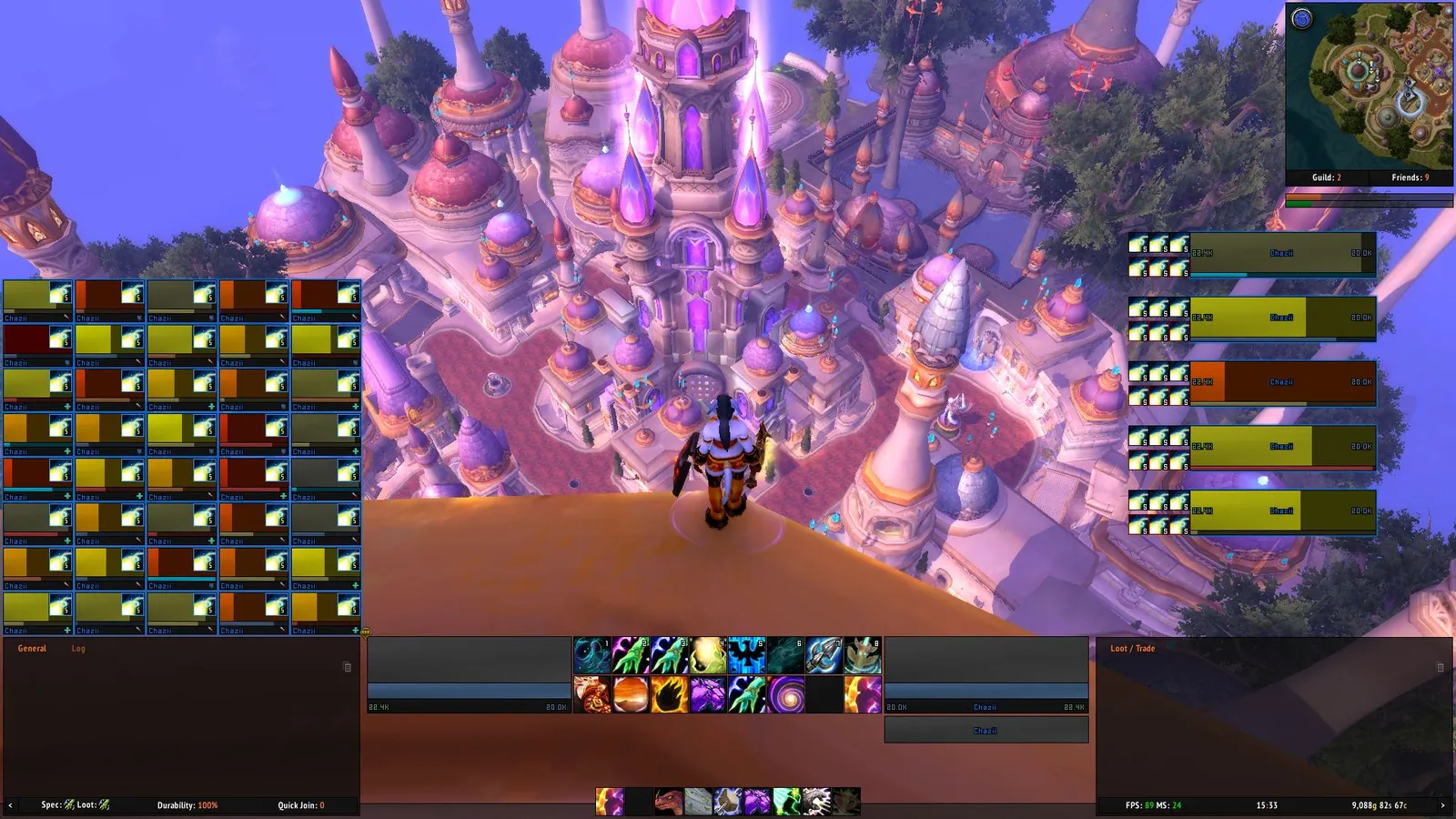
Pictures from the addon author's own project pages.
Installation
Download the WoW WotLK file, extract it into _classic_/Interface/AddOns, then restart the game and enable it in the AddOns list.
_classic_/Interface/AddOnsWorks with
- ElvUI_Libraries is required and ElvUI_Options holds the settings: both come in the same download, so copy all three folders.
Configuration
Commands
/ecOpens ElvUI's options (/elvui works too)./moveuiUnlocks ElvUI's frames so you can drag them.
First setup
- Install all three folders from the download: ElvUI, ElvUI_Libraries and ElvUI_Options.
- The first time you log in, ElvUI opens its installation steps: go through them to set up your layout.
- Type /ec (or /elvui) to open its options.
- Type /moveui to unlock its frames and drag them where you want them.
Common mistakes
- Adding other addons that replace the same parts of the interface: you end up with doubled frames.
Compatibility by version
| Game version | Status | Verified release | Checked |
|---|---|---|---|
| WoW Classic | Compatible | v16.00Oct 13, 2026 | Oct 29, 2026 |
| WoW TBC | Compatible | v16.00Oct 13, 2026 | Oct 29, 2026 |
| WoW WotLK | Unverified
| v16.00Oct 13, 2026 | Oct 29, 2026 |
| WoW Forever | Compatible | v16.00Oct 13, 2026 | Oct 29, 2026 |